

Boutique en ligne
Réservations
Événements
Éphémère

Backgrounds Music Player
Par
Customizable background music and playlists
Aucun avis pour le moment
Offre non payante disponible

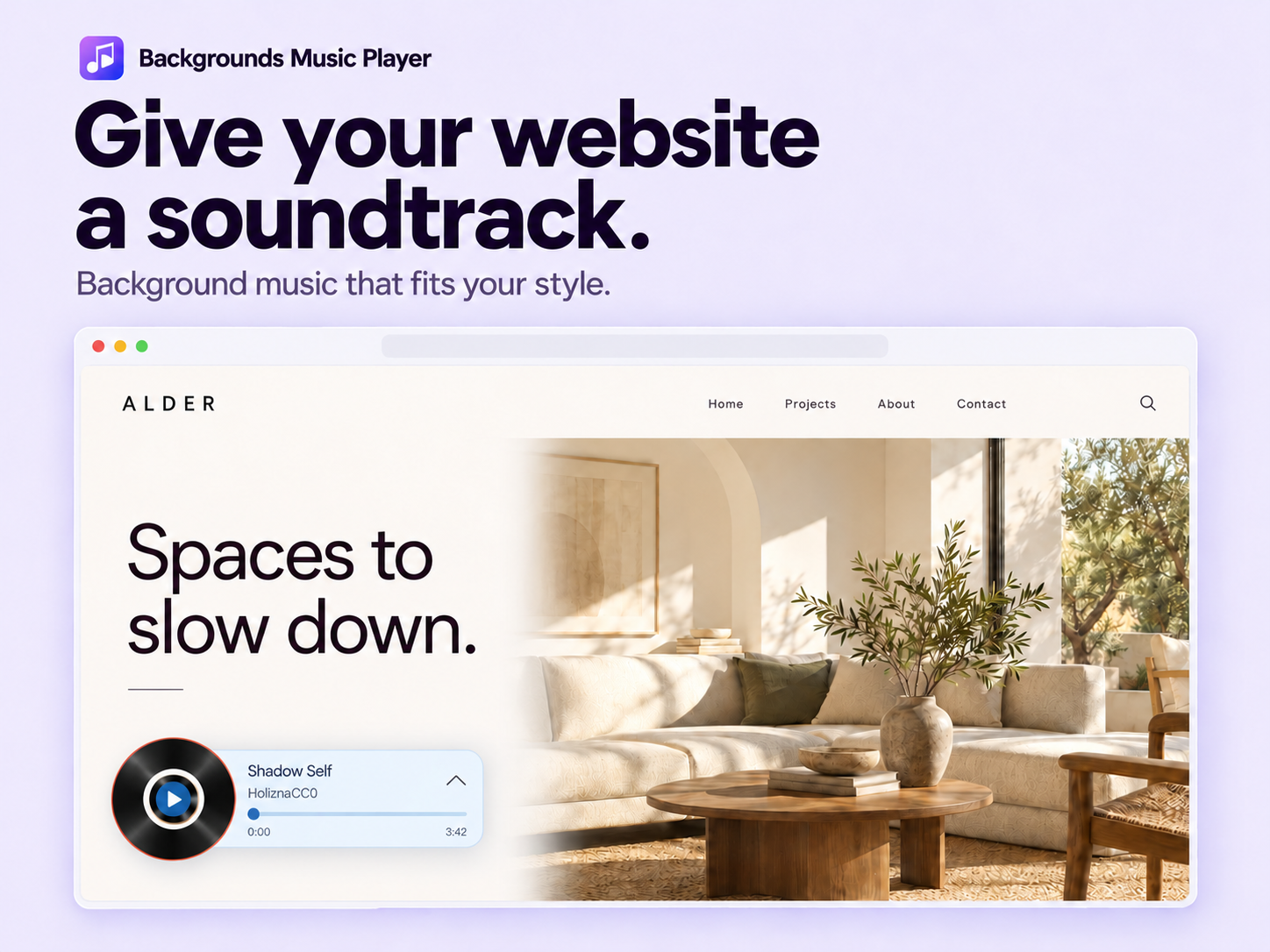
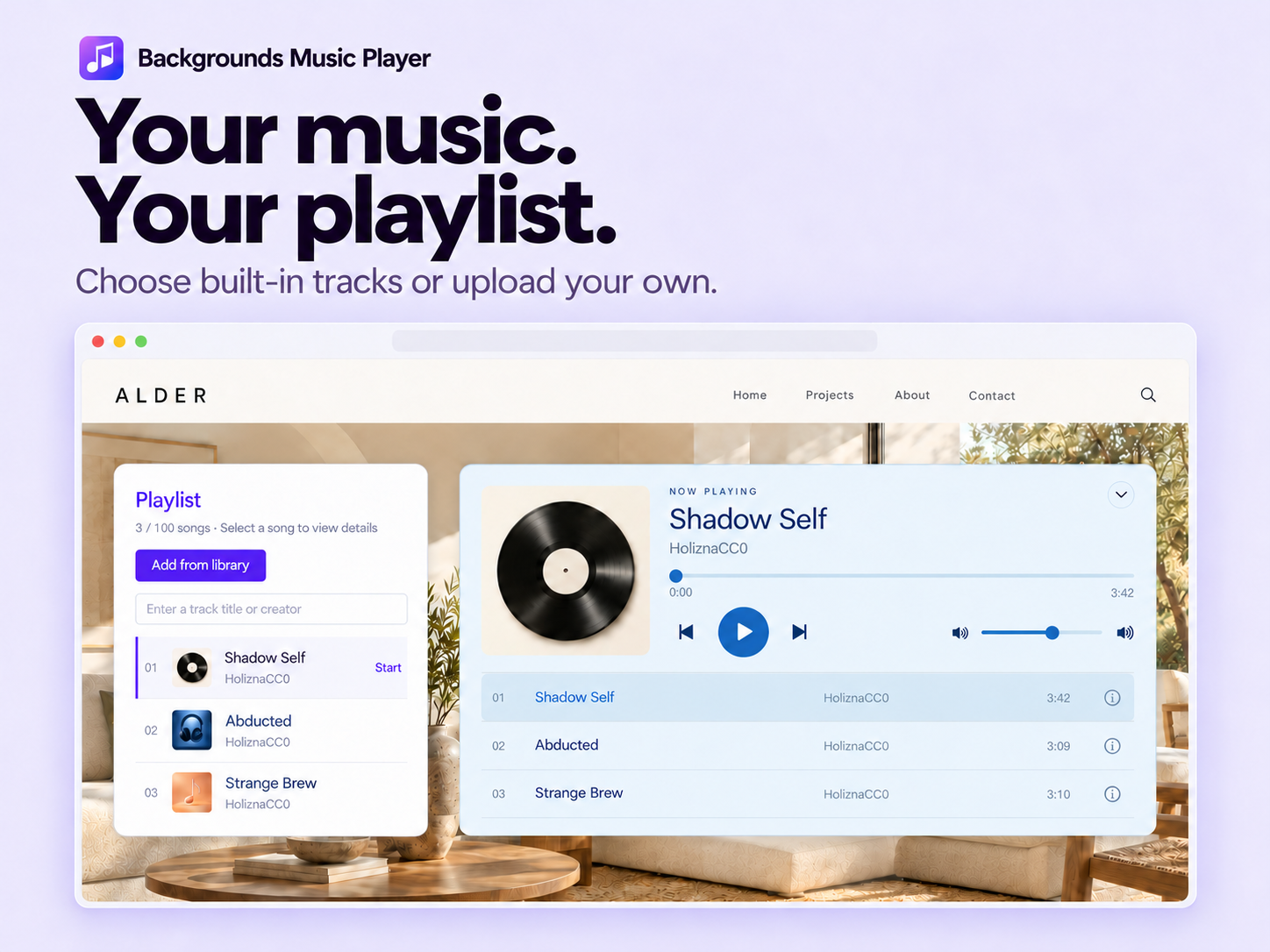
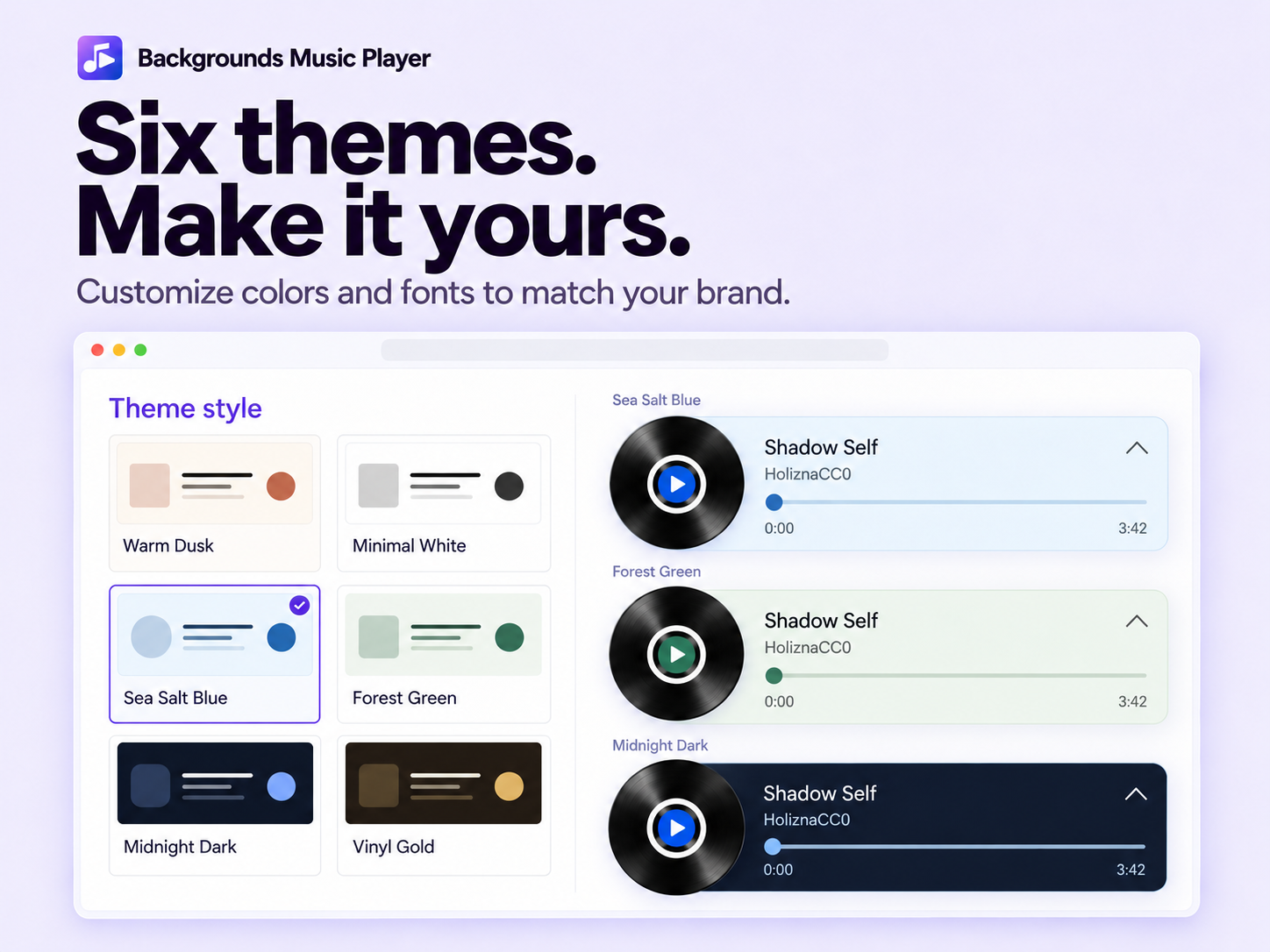
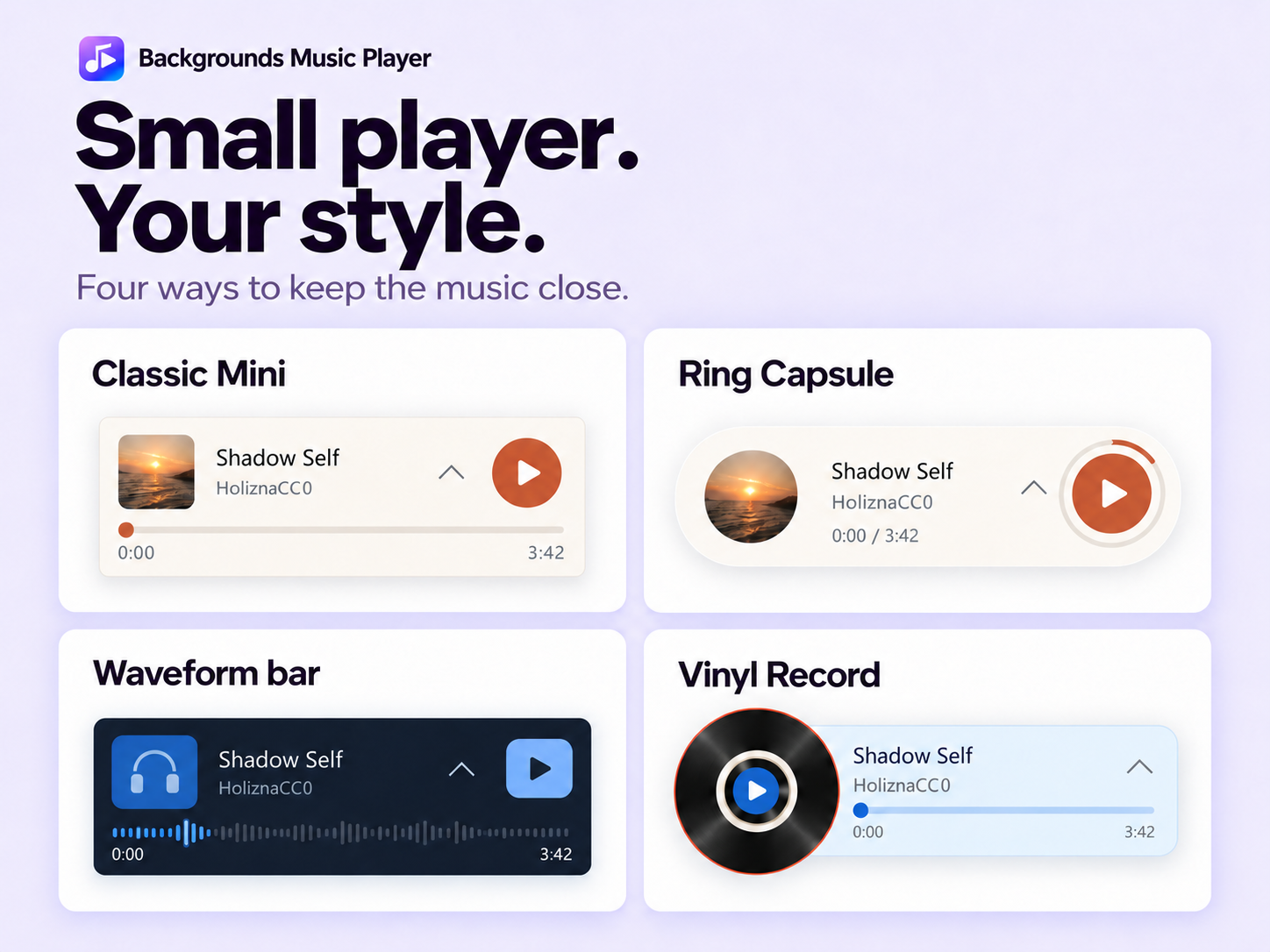
Aperçu de Backgrounds Music Player
- Create playlists with built-in tracks or upload your own MP3 and WAV files
- Customize player themes, layouts, colors and fonts to match your brand
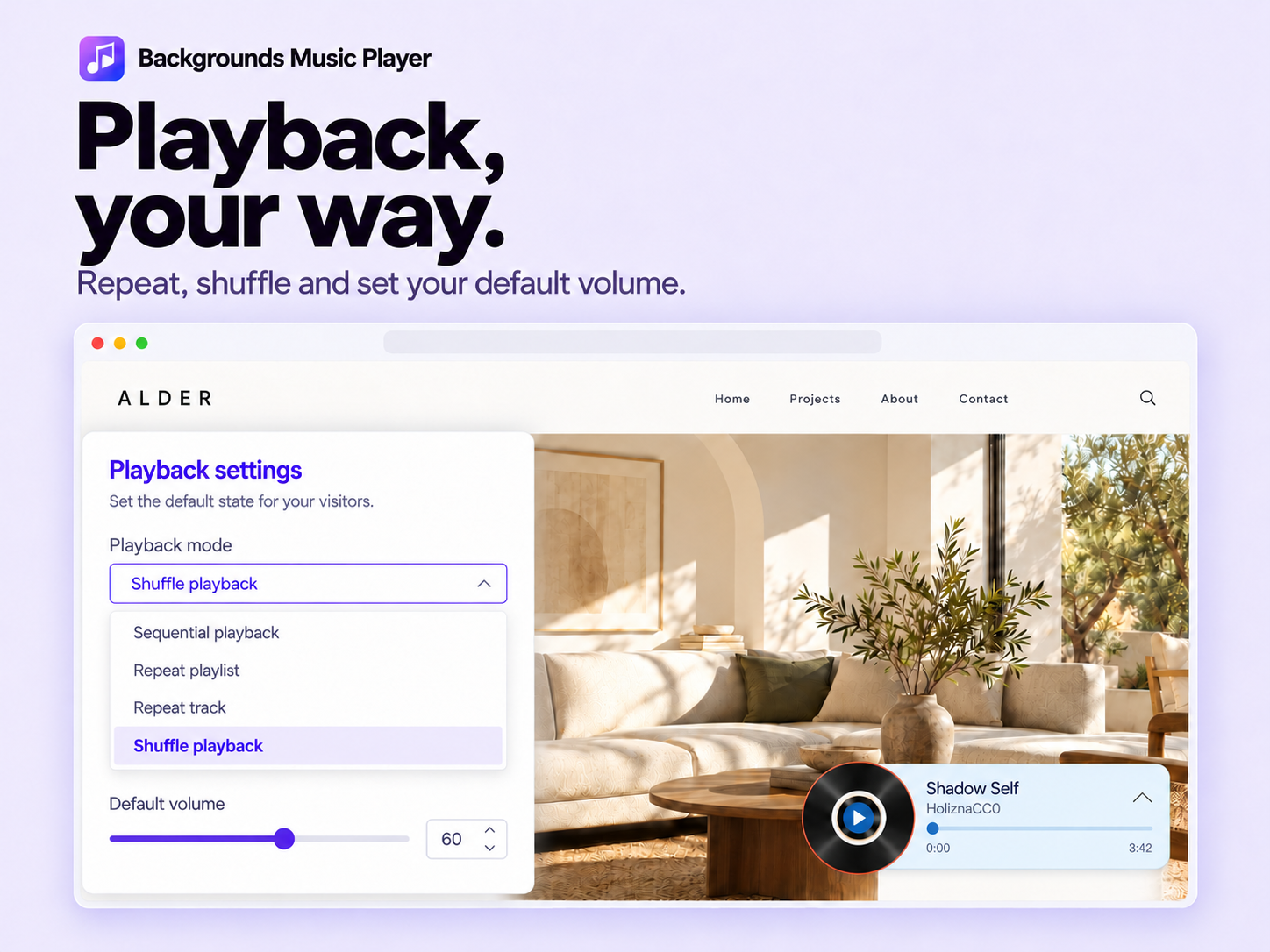
- Set volume and starting track, with repeat and shuffle playback
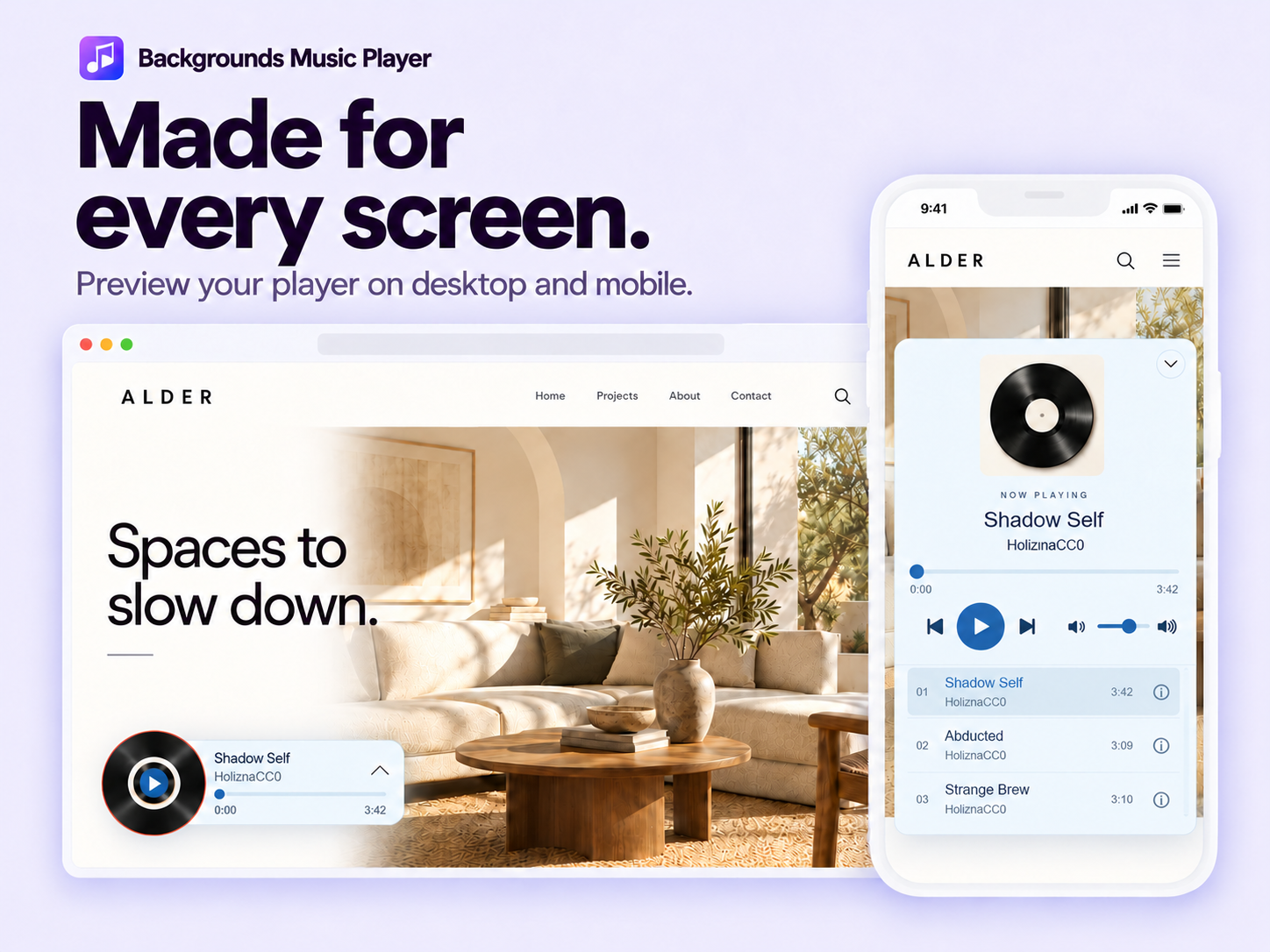
- Control player position, page rules, and desktop and mobile visibility
Disponibilité :
Cette application est disponible dans le monde entier.Langues de l'application :
Anglais,
Chinois,
Coréen,
Espagnol,
Hindi,
Japonais
Note et avis
Cette appli n’a pas encore reçu d’avis, soyez le premier à l'évaluer.Prix et formules
Formule Basic
Gratuit
Use built-in music tracks
Play music on your homepage
Customize colors and layouts
Formule Premium
$
2
49
/mois
Upload MP3 and WAV audio files
Add your own songs to playlists
Display the player across your site
Hide the Powered by HDT watermark
* Le prix est en USD.