

Boutique en ligne
Réservations
Événements
Éphémère
DriveView
Par
Display documents from Google Drive on your page
1.0
Offre non payante disponible

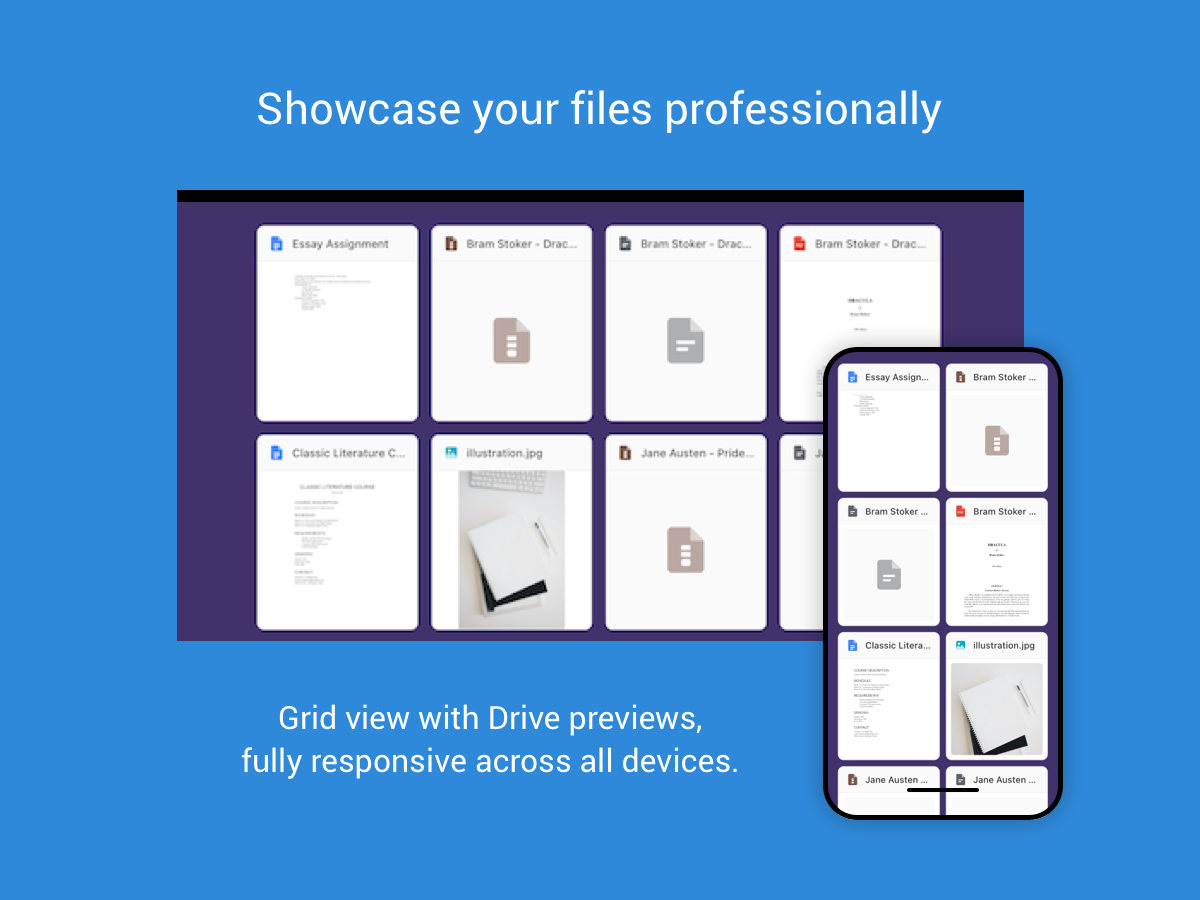
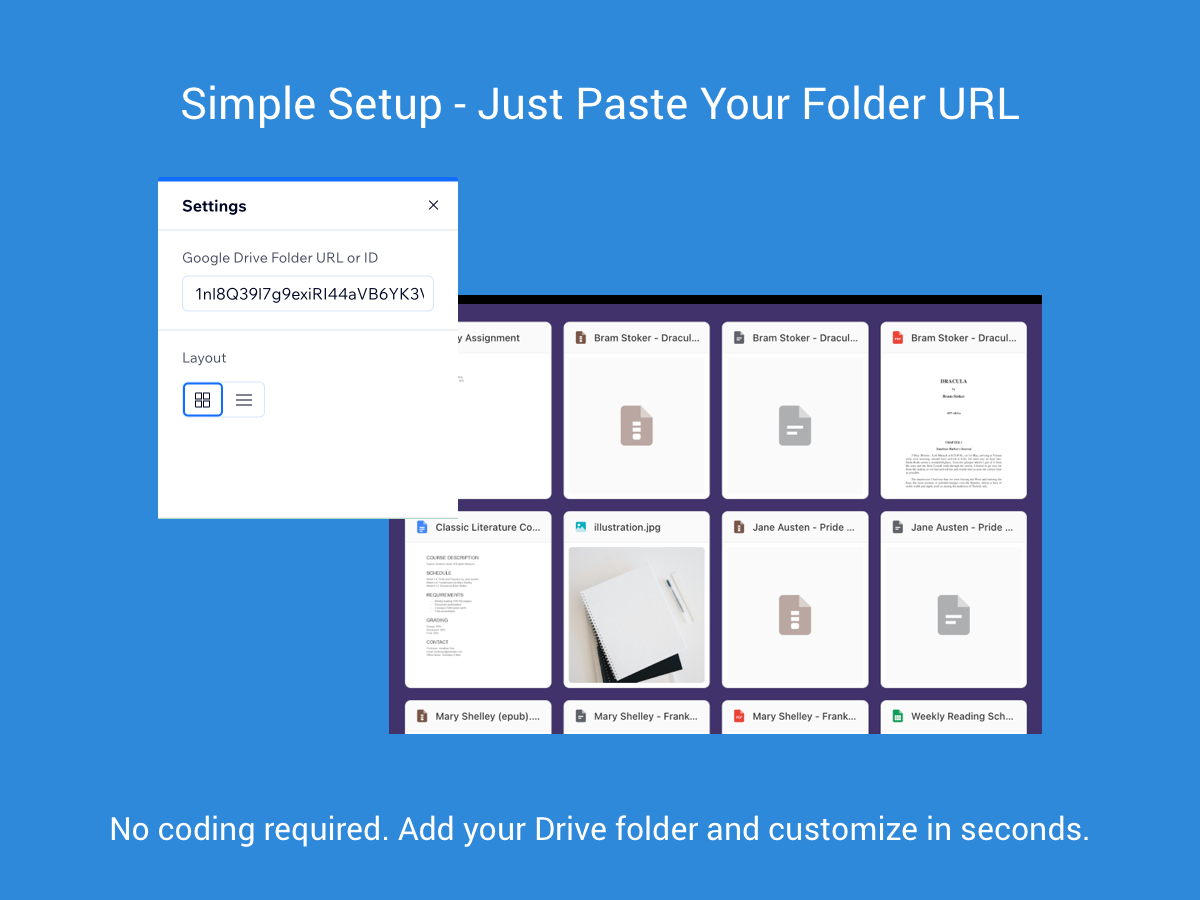
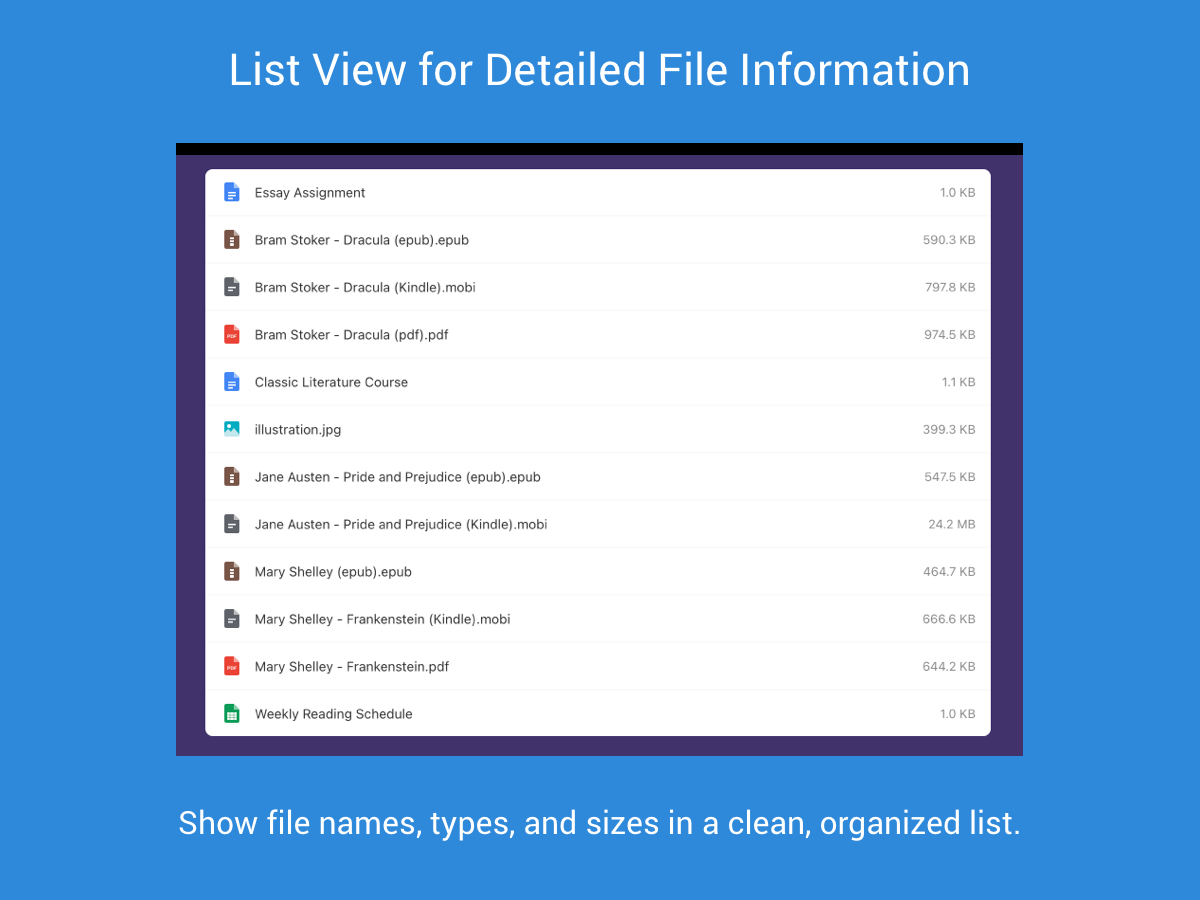
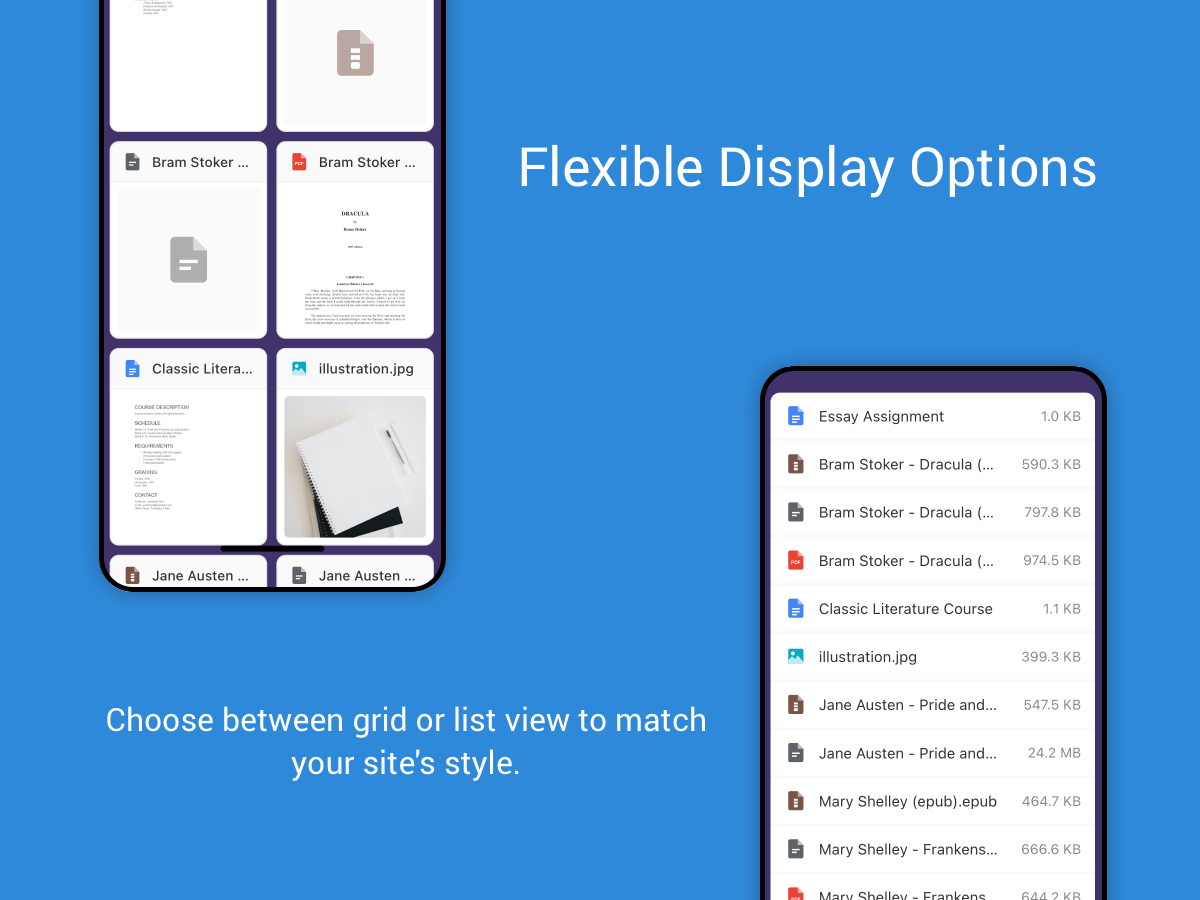
Aperçu de DriveView
- Embed a live Google Drive folder on your page - files update automatically when you edit them in Drive
- Embed PDFs and images from Google Drive on your page (Early access)
- Instant setup for public folders - paste a Drive URL or folder ID, no API keys or coding required. (File embed needs linking your Google account)
- Mobile responsive, easy-to-use layouts, thumbnail previews and more
Disponibilité :
Cette application est disponible dans le monde entier.Langues de l'application :
Anglais
Note moyenne 1.0
1 avis
5
0
4
0
3
0
2
0
1
1
BW
Bwade866/ May 5, 2026
Did not workTried to use the application to display google drive and it would not work.
TI
équipe de Timevise
Hi bwade866,
Thank you for your review! We would like to help you set up the app on your site, please reach out to support@timevise.com(0)
Merci pour votre avis
Prix et formules
Formule Basic
Gratuit
List up to 5 files from your drive
Limited customization
File previews displayed
Formule Professional
$
3
99
/mois
List more than 5 files from your drive
List private files (beta)
Full customization options
Priority support
* Le prix est en USD.