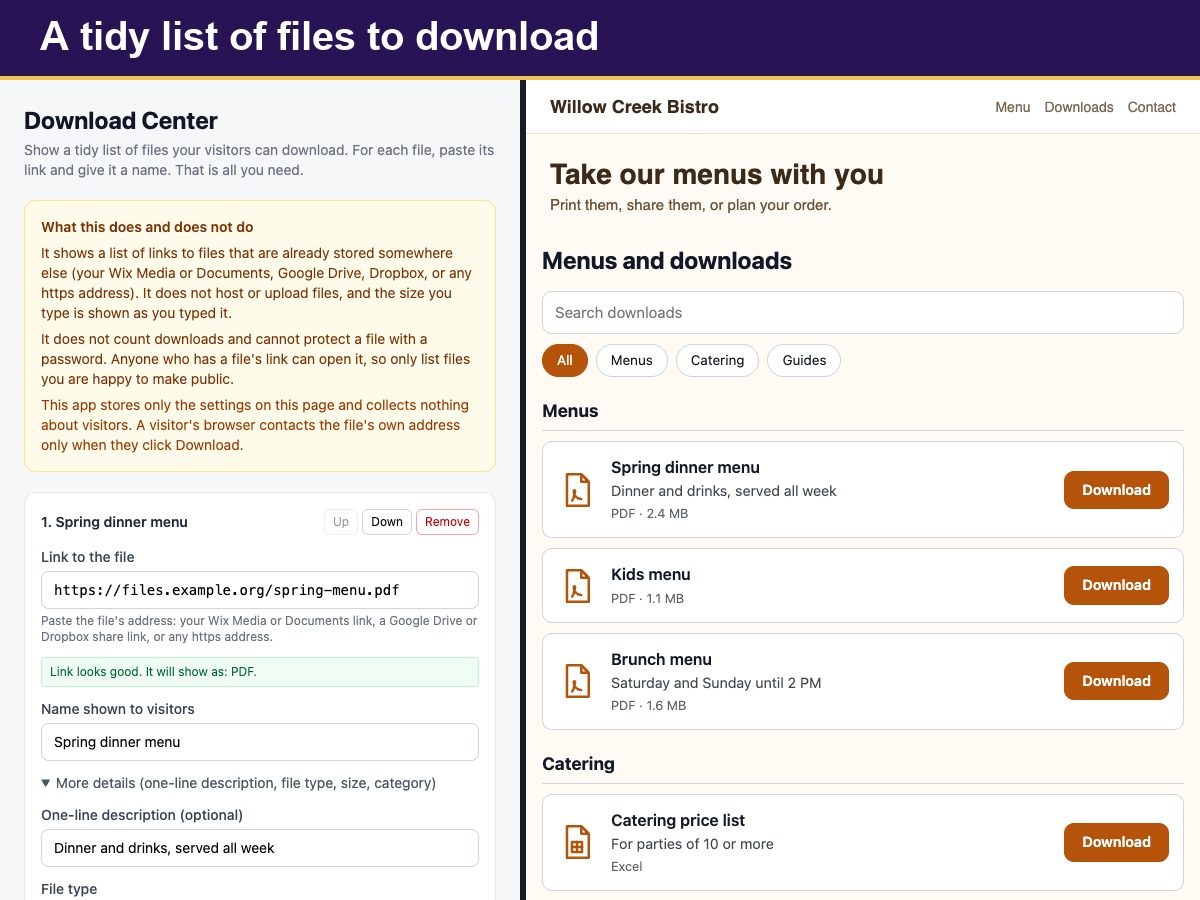
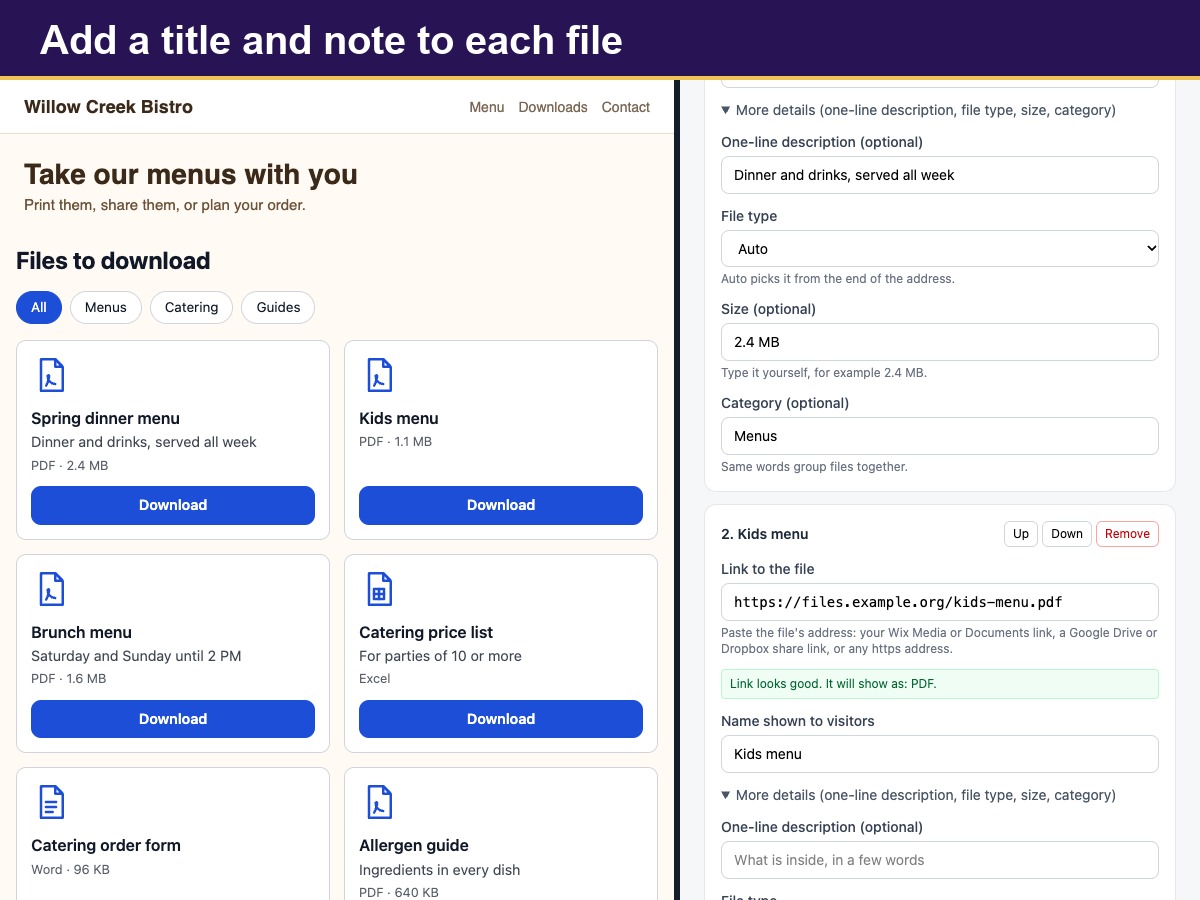
Download Center shows a neat list of files that visitors can download, such as brochures, price sheets, manuals, forms and templates. Paste the address of each file, give it a name and, if you like, add a one-line description, a size that you type yourself and a category. The file type is picked from the end of the address, or you can choose it: PDF, document, spreadsheet, slides, ZIP, image, audio, video or plain link. Each type gets a simple line icon.
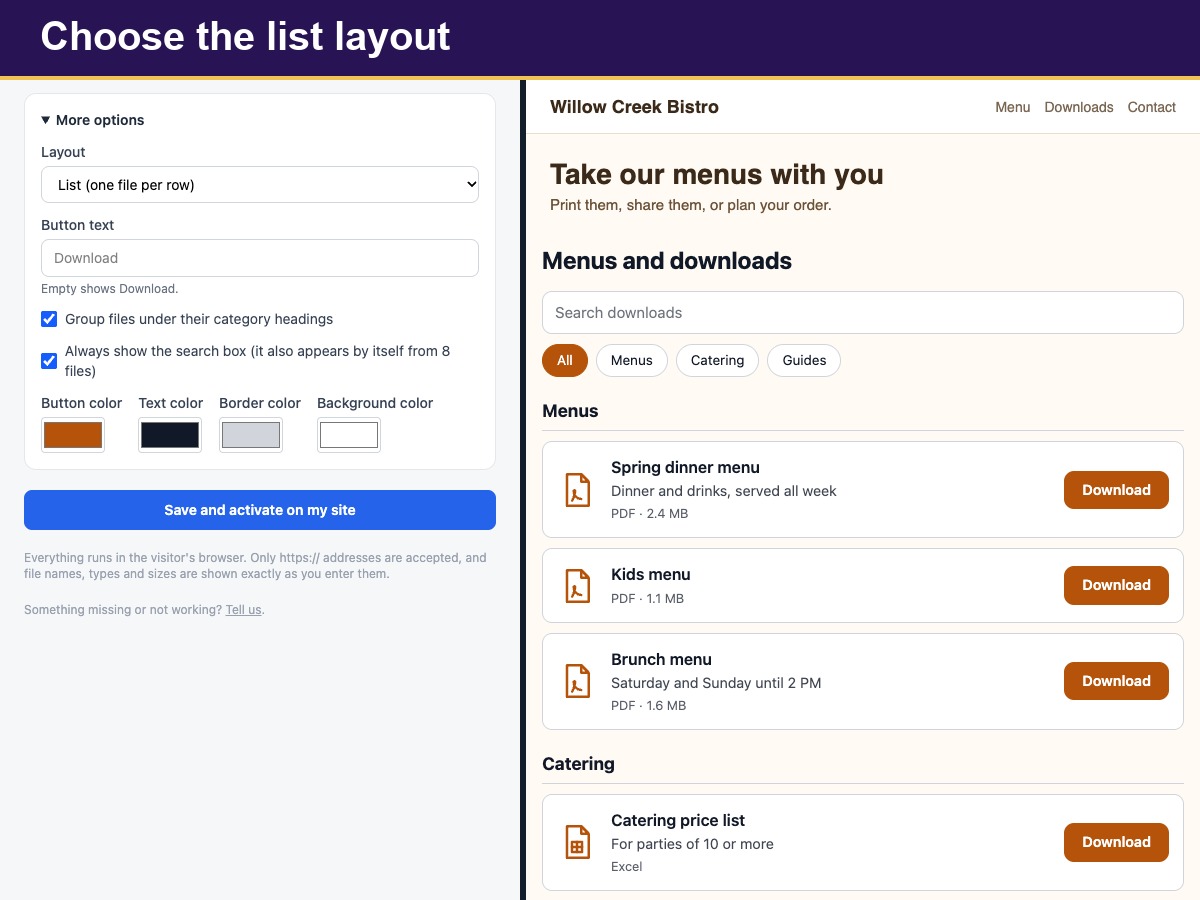
Show the files as a list with one file per row or as cards side by side. Group them under category headings, and let visitors narrow a long list with a search box that appears by itself once the list gets longer, or always. Change the button text, add a heading above the list, and choose the colors. Every Download button opens in a new tab.
Place it inside a box you name or just above your footer, and limit it to chosen pages. Honest by design: the app does not host or upload files, count downloads or protect a file with a password. Anyone with a file's link can open it, so list only files you are happy to make public. The size is the text you typed. Only your settings are stored, nothing about visitors.