

Boutique en ligne
Réservations
Événements
Éphémère

Podcast Player
Par
Fast podcast player with share buttons
Aucun avis pour le moment
Offre non payante disponible

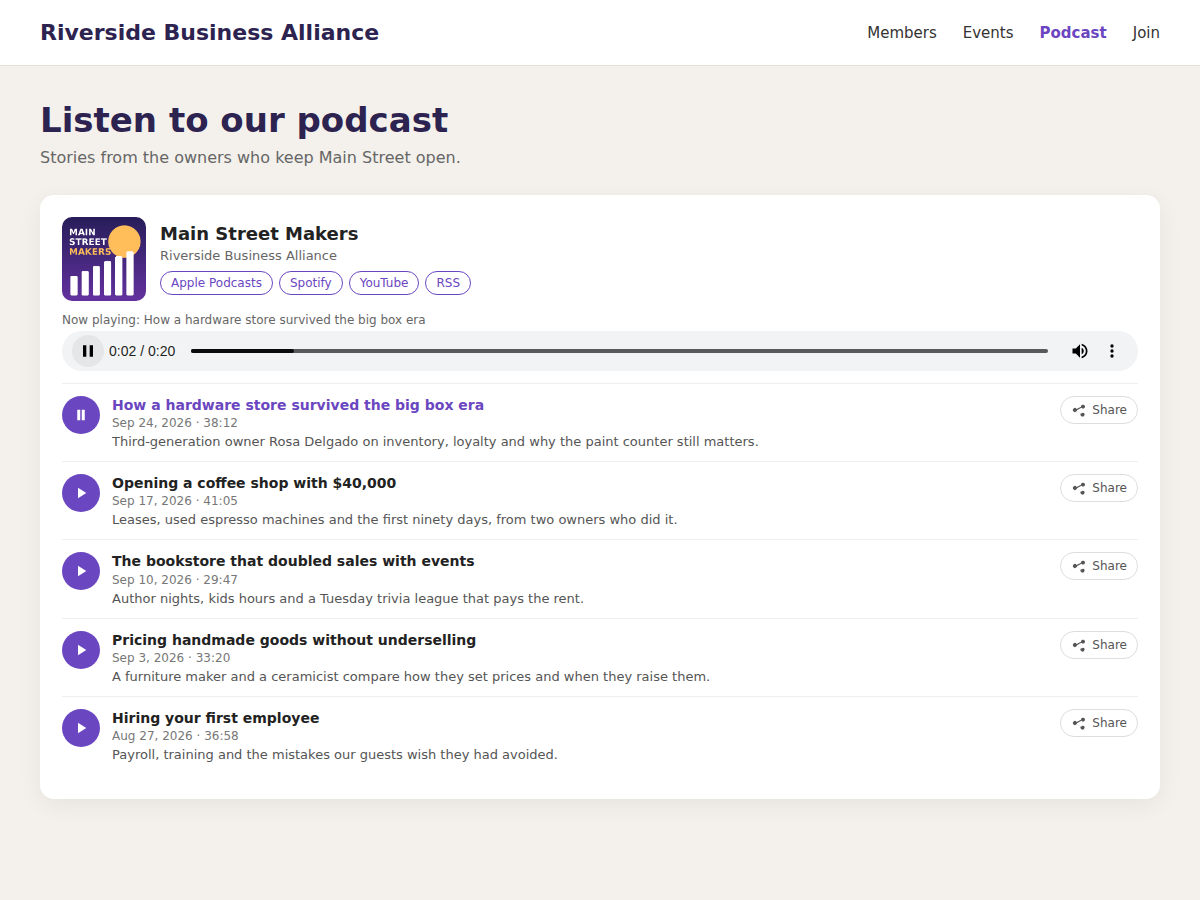
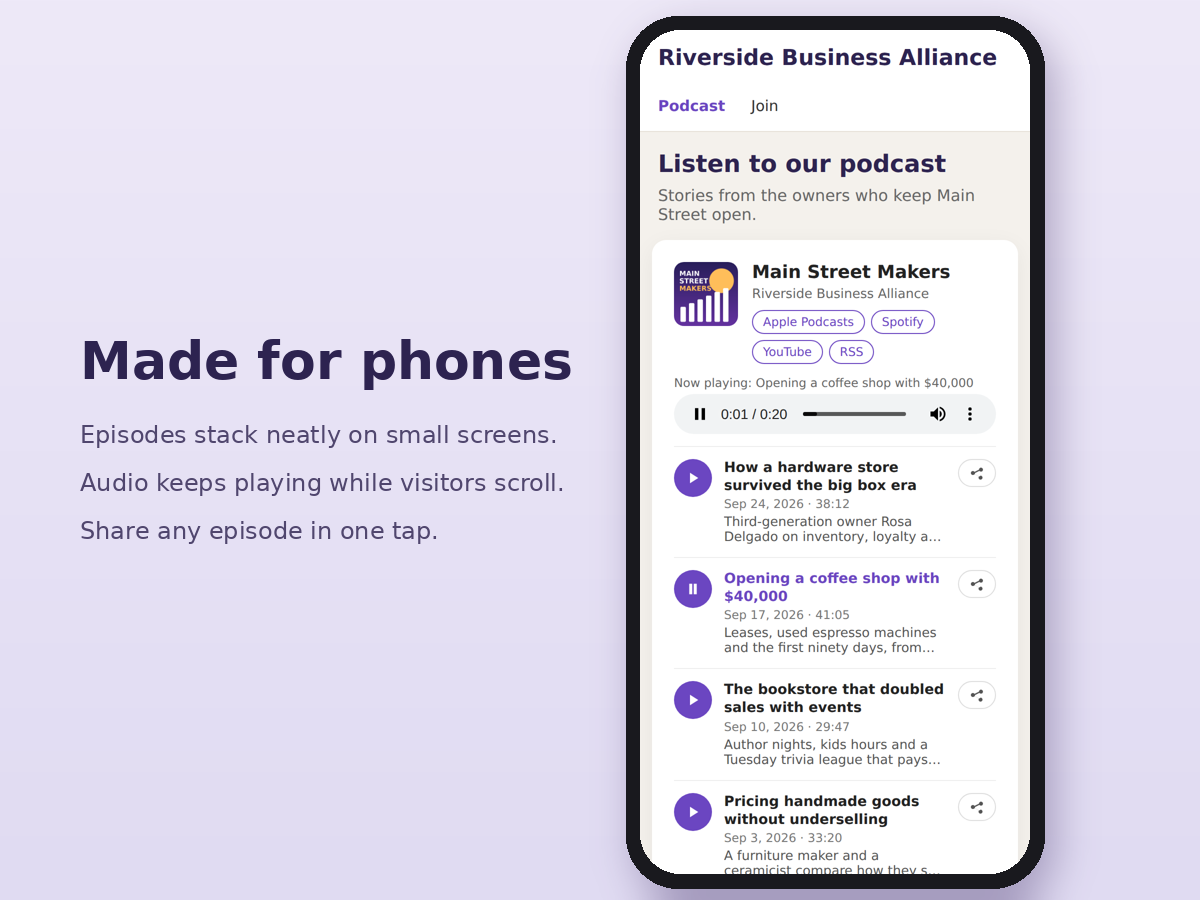
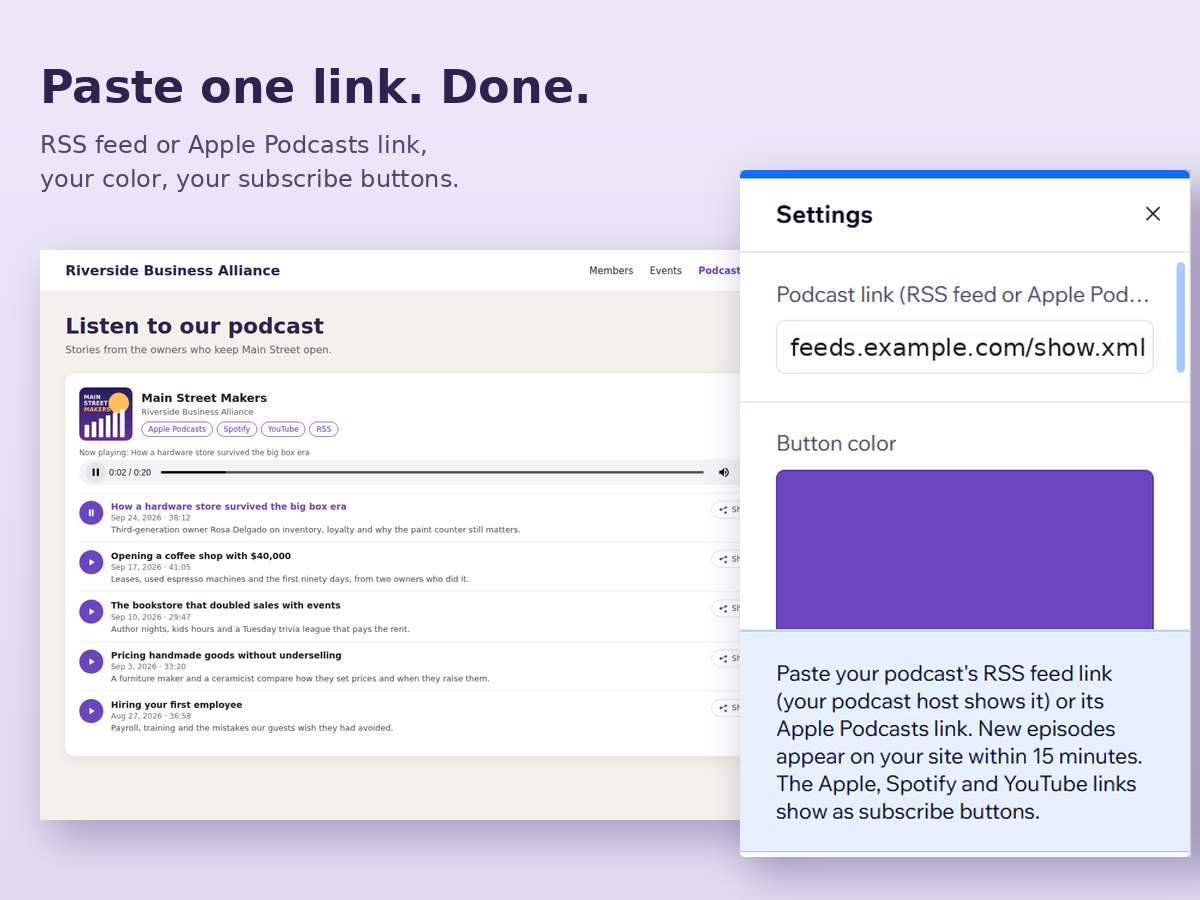
Aperçu de Podcast Player
- Paste an RSS or Apple Podcasts link and your episodes appear
- Subscribe buttons for Apple Podcasts, Spotify and YouTube
- Share button on every episode, made for phones
Note et avis
Cette appli n’a pas encore reçu d’avis, soyez le premier à l'évaluer.Prix et formules
Formule Basic
Gratuit
Your 5 newest episodes
Play and share buttons
Small "Player by StepFree" line
Formule Pro
$
4
29
/mois
Every episode, plus episode search
Apple, Spotify and YouTube buttons
No StepFree branding
* Le prix est en USD.