Click a letter to add it to the text box you selected
Search by letter, language, or plain words like "two dots"
No account, no tracking, no ads and no permissions
Every accented Latin letter, one click away, without leaving the editor.
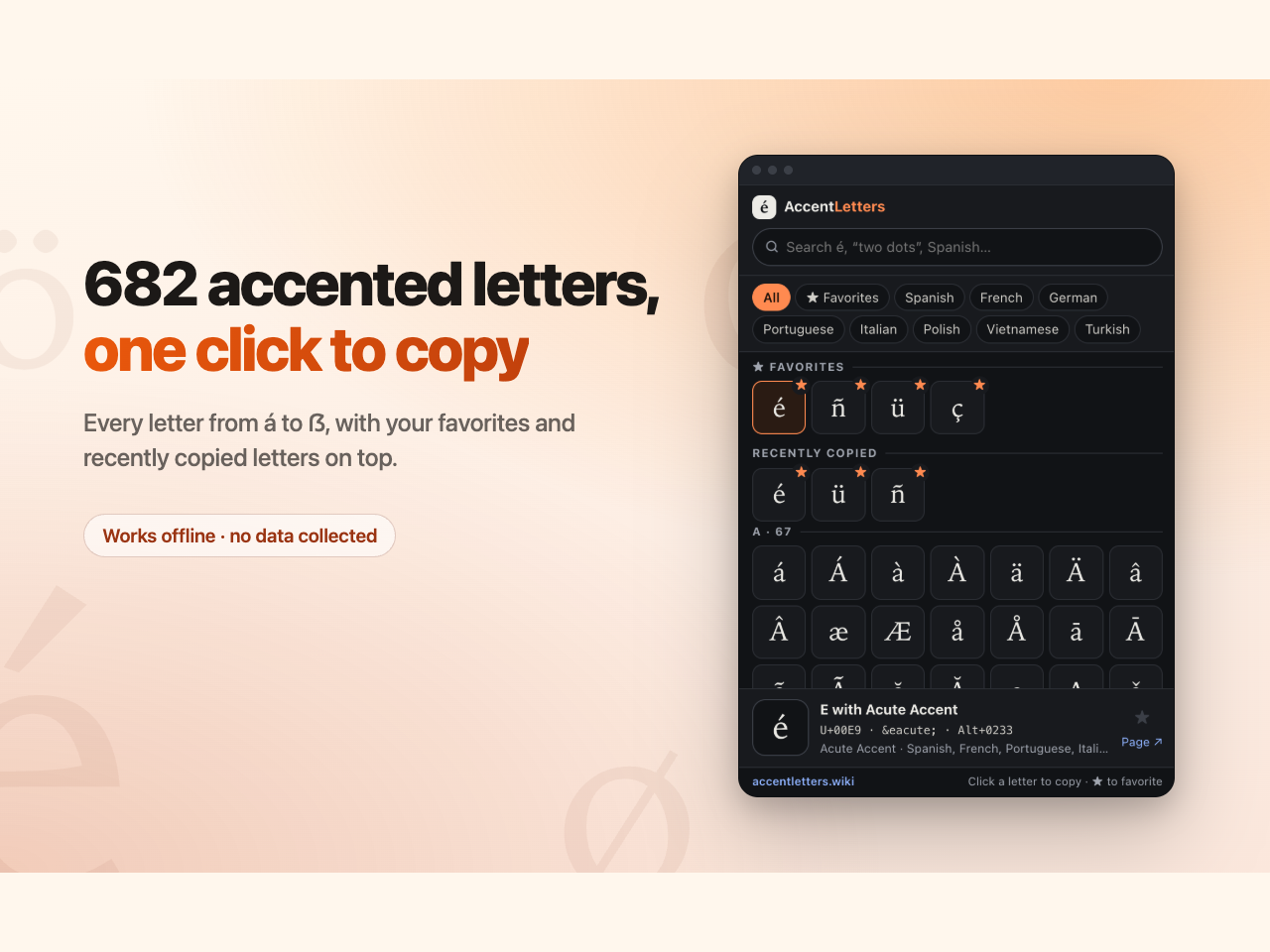
Select a text box on the canvas, open Accent Letters, and click a letter — it is added to your text. 682 letters across 55 languages: á é í ó ú, ñ, ü, ç, ß, å, ø, œ, the full Vietnamese set, Polish ł and ę, Turkish ı and ş, Czech ř, Hungarian ő, and every other letter used to write with the Latin alphabet.
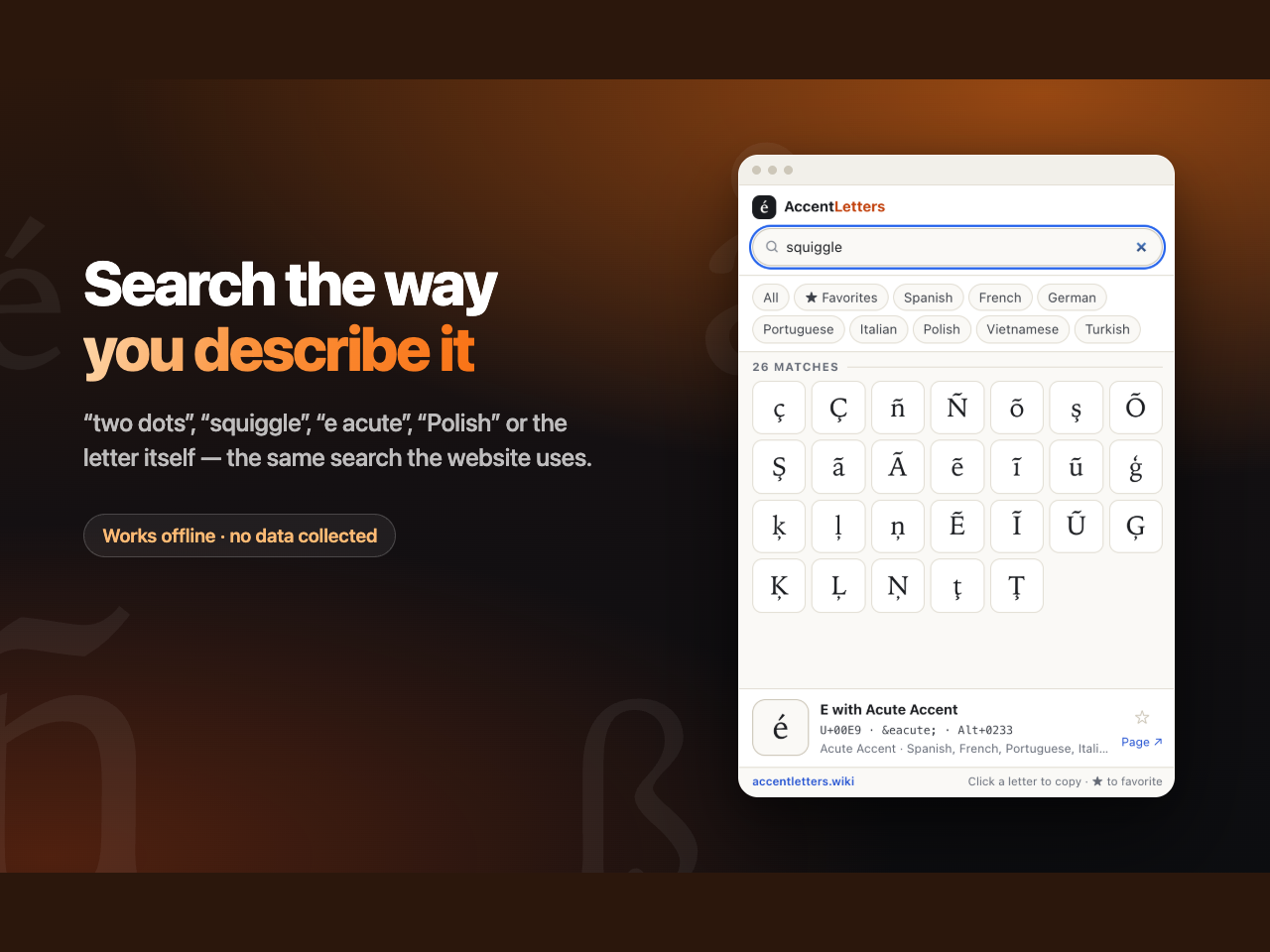
SEARCH THE WAY YOU DESCRIBE IT
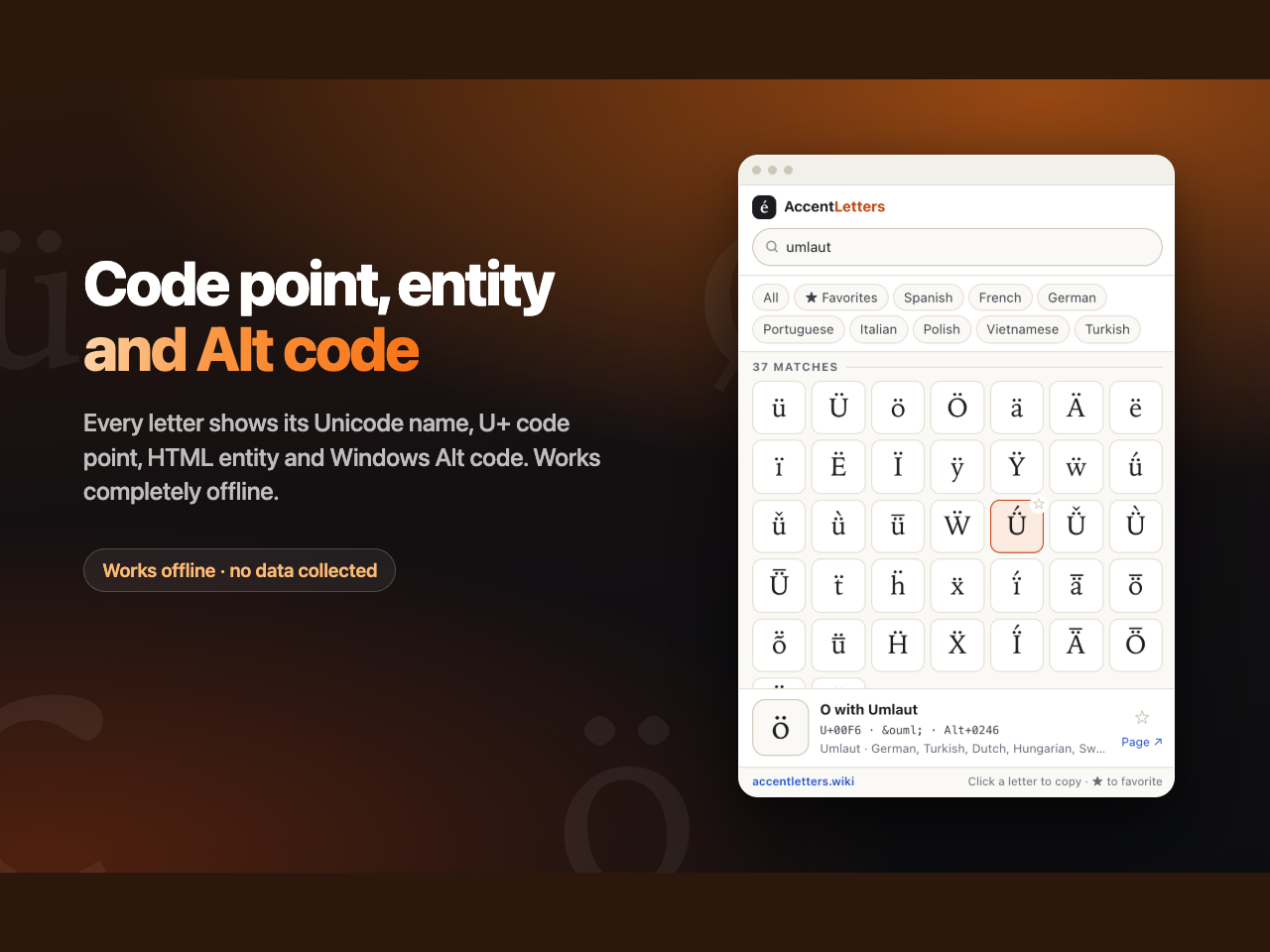
Type the letter, its Unicode name ("e acute"), a language ("Polish") — or plain words, if you do not know what the mark is called: "two dots" finds ä ö ü ë ï ÿ, "squiggle" finds ñ and ã.
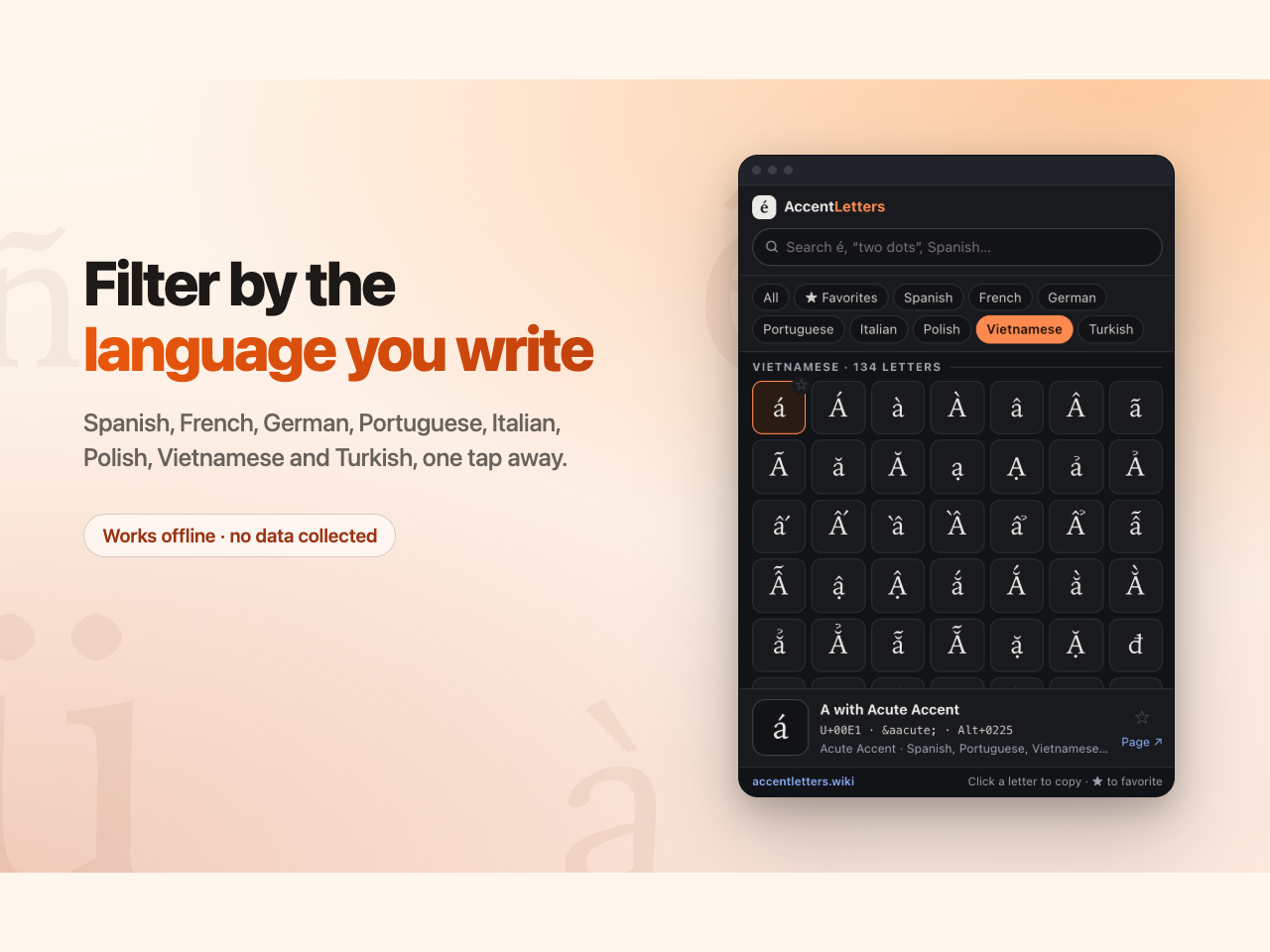
FILTER BY LANGUAGE
Spanish, French, German, Portuguese, Italian, Polish, Vietnamese and Turkish, one click each.
NO ACCOUNT, NO TRACKING, NO ADS
The panel asks for no permissions, collects nothing and sends nothing anywhere.
Right-click any letter to copy it instead, for pasting wherever you like.
The data comes from Unicode 16 and CLDR 48, the same reference that powers accentletters.wiki.
Not affiliated with Unicode, Inc.