

Boutique en ligne
Réservations
Événements
Éphémère
PDF Sign
Par
Send PDFs for signing from your own site
Aucun avis pour le moment
14 jours d'essai gratuit

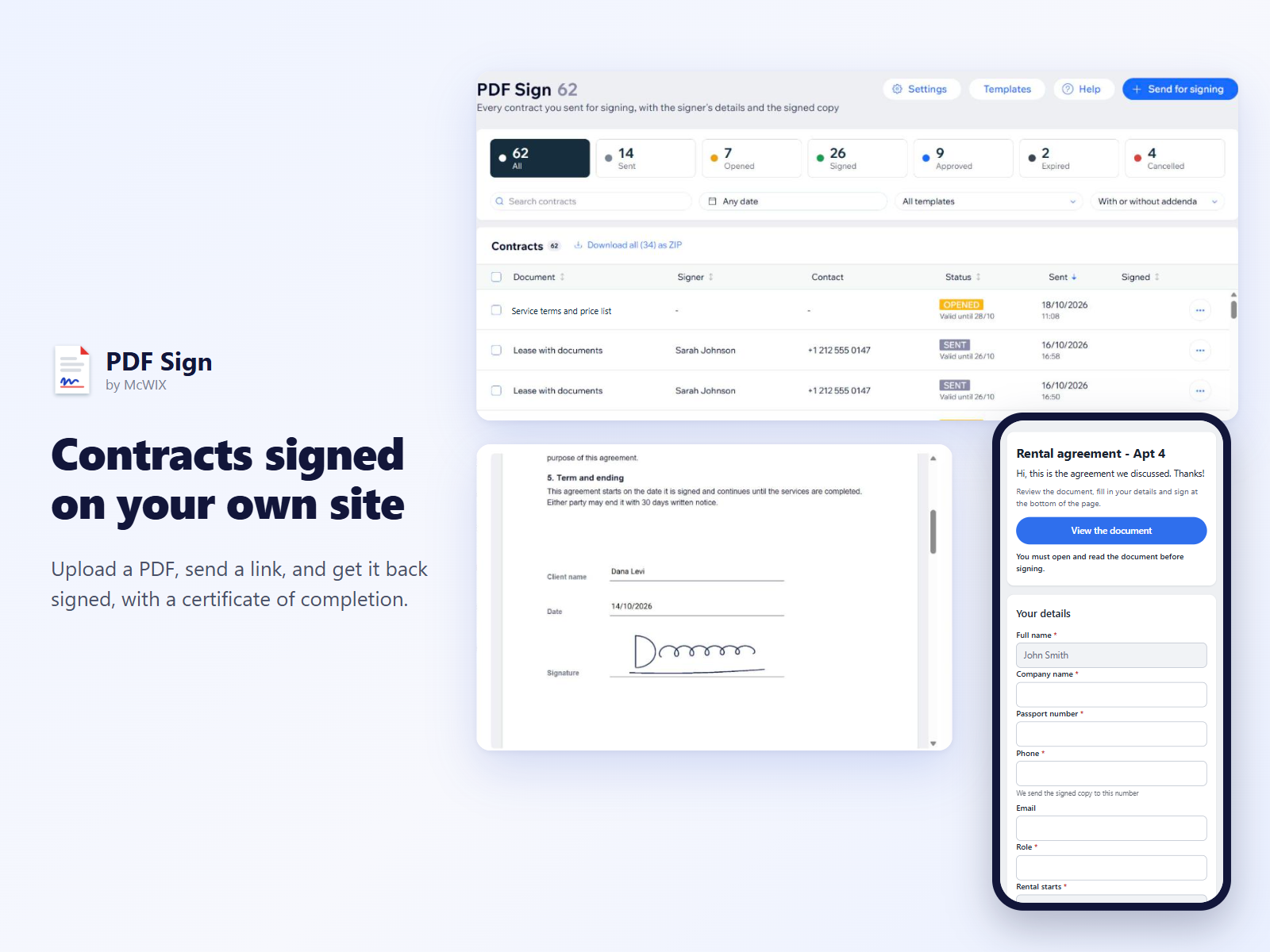
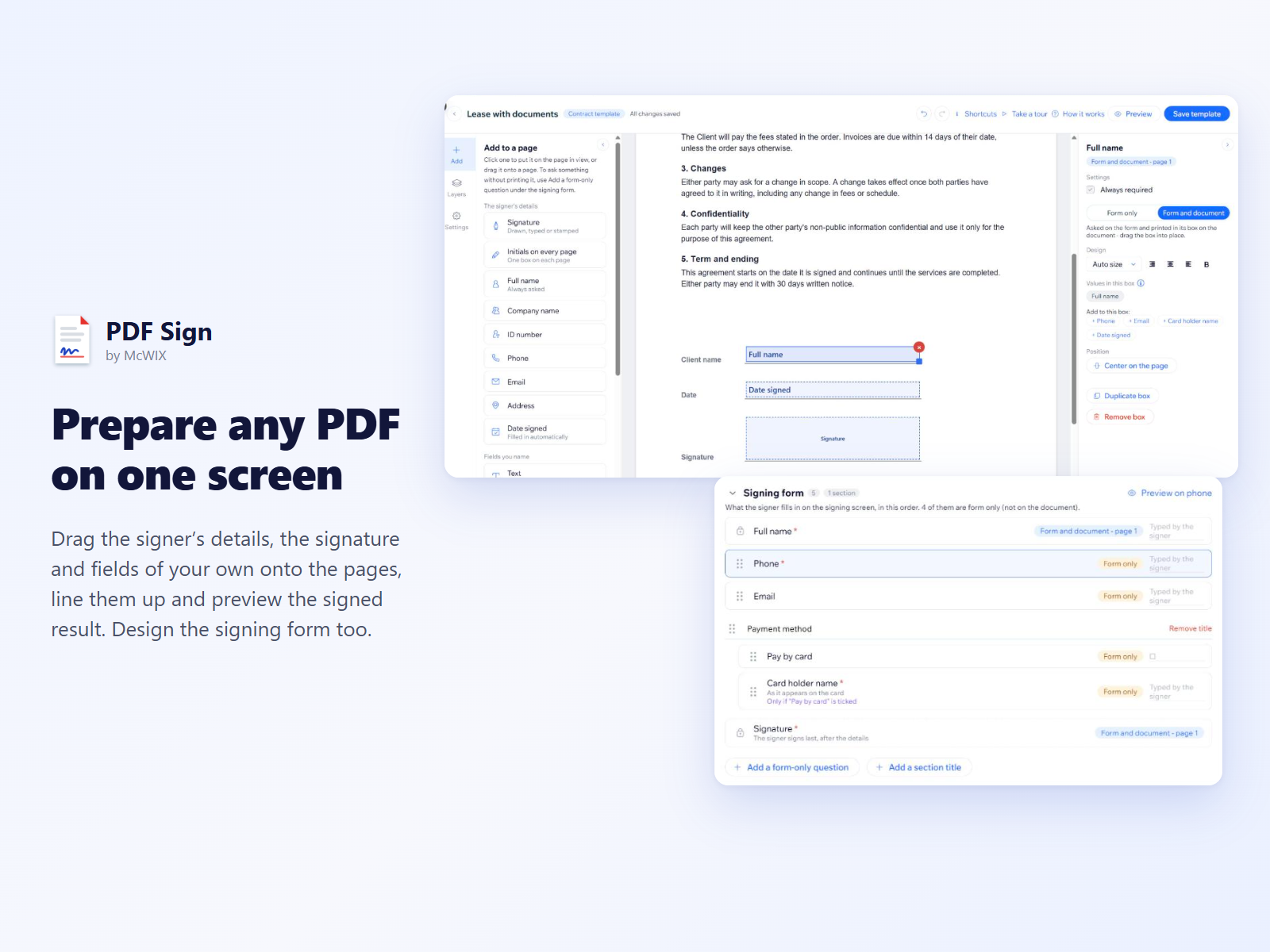
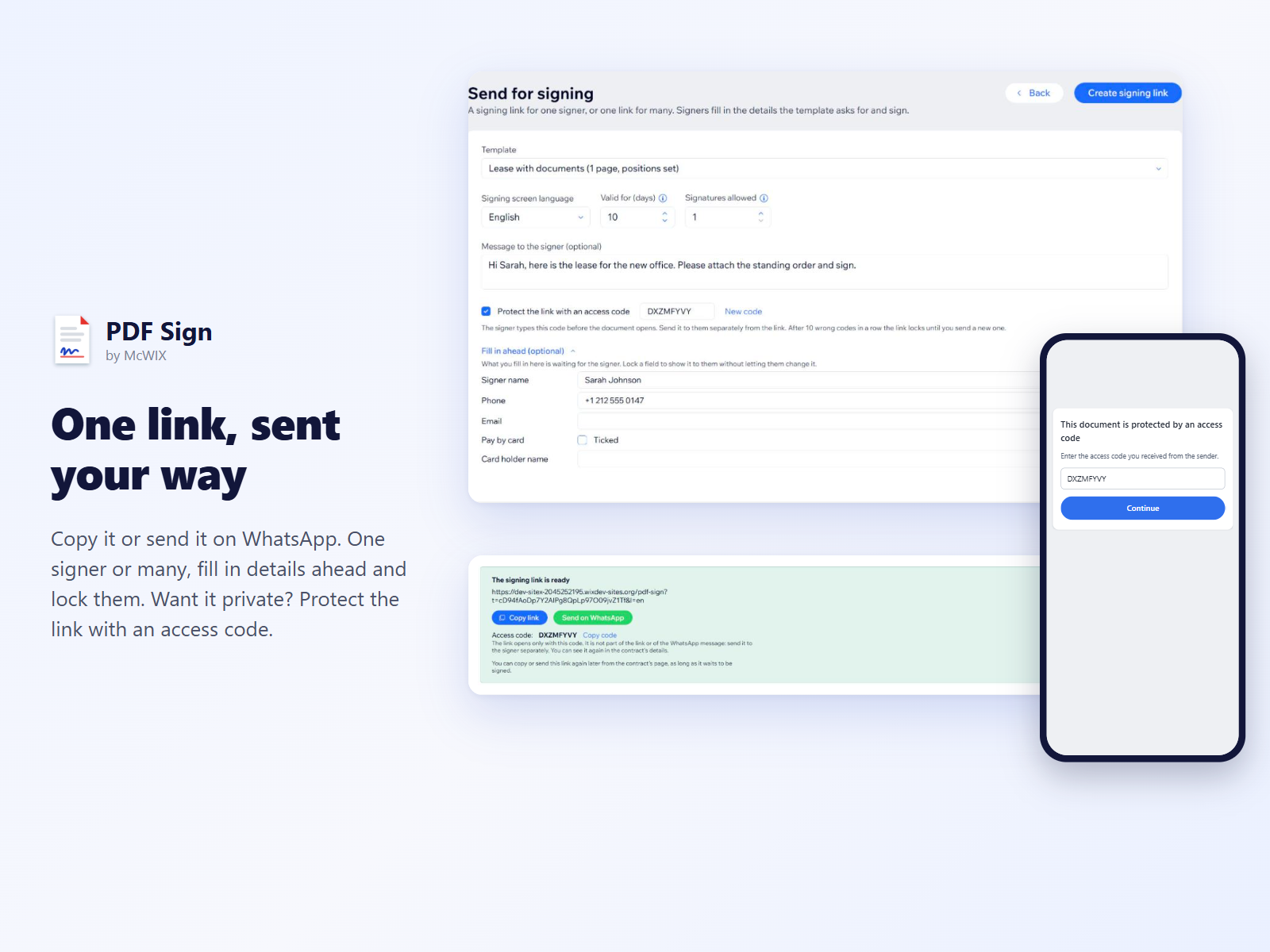
Aperçu de PDF Sign
- Drag-and-drop editor for any PDF contract
- Signing links on WhatsApp, for one or many
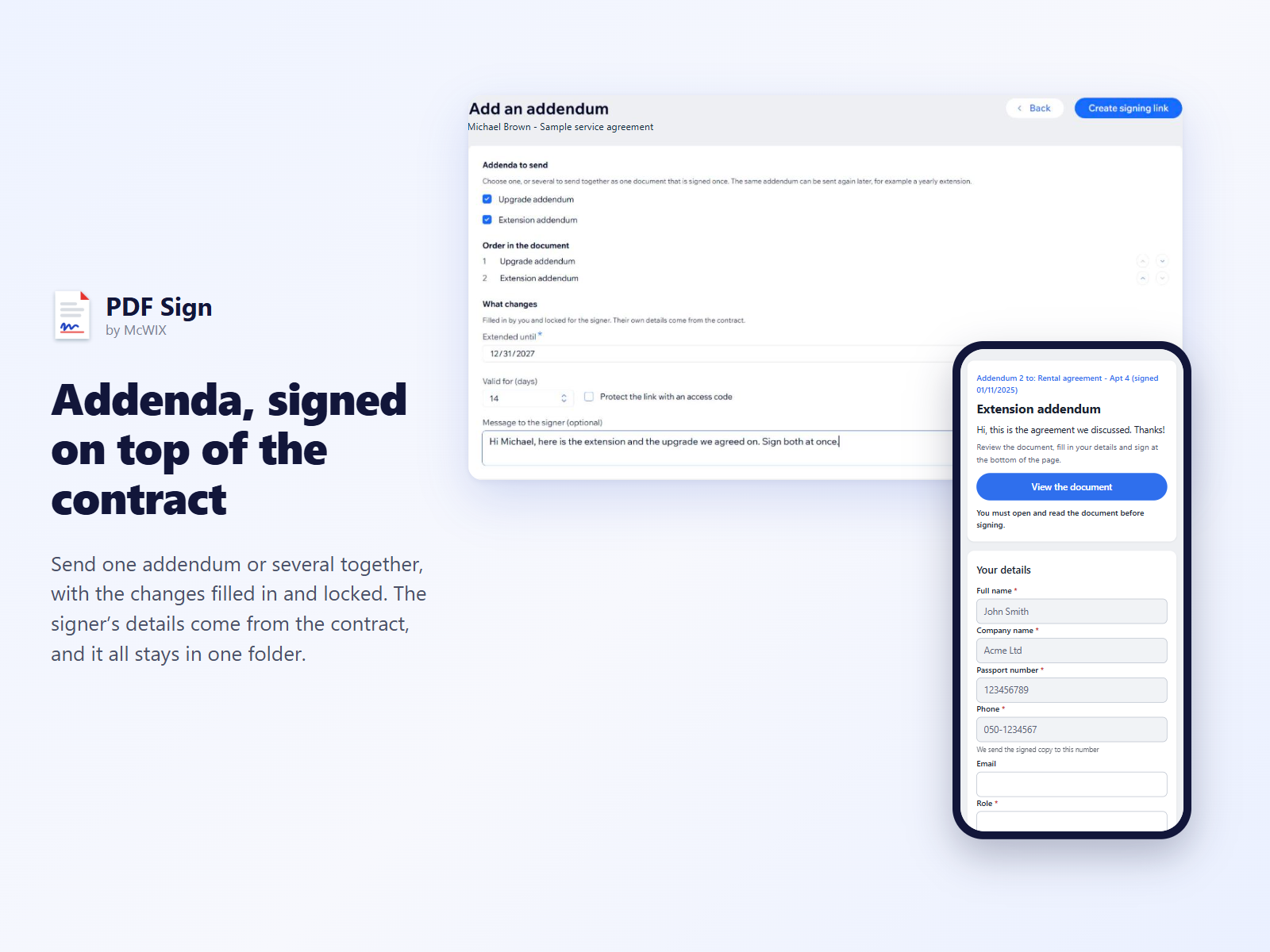
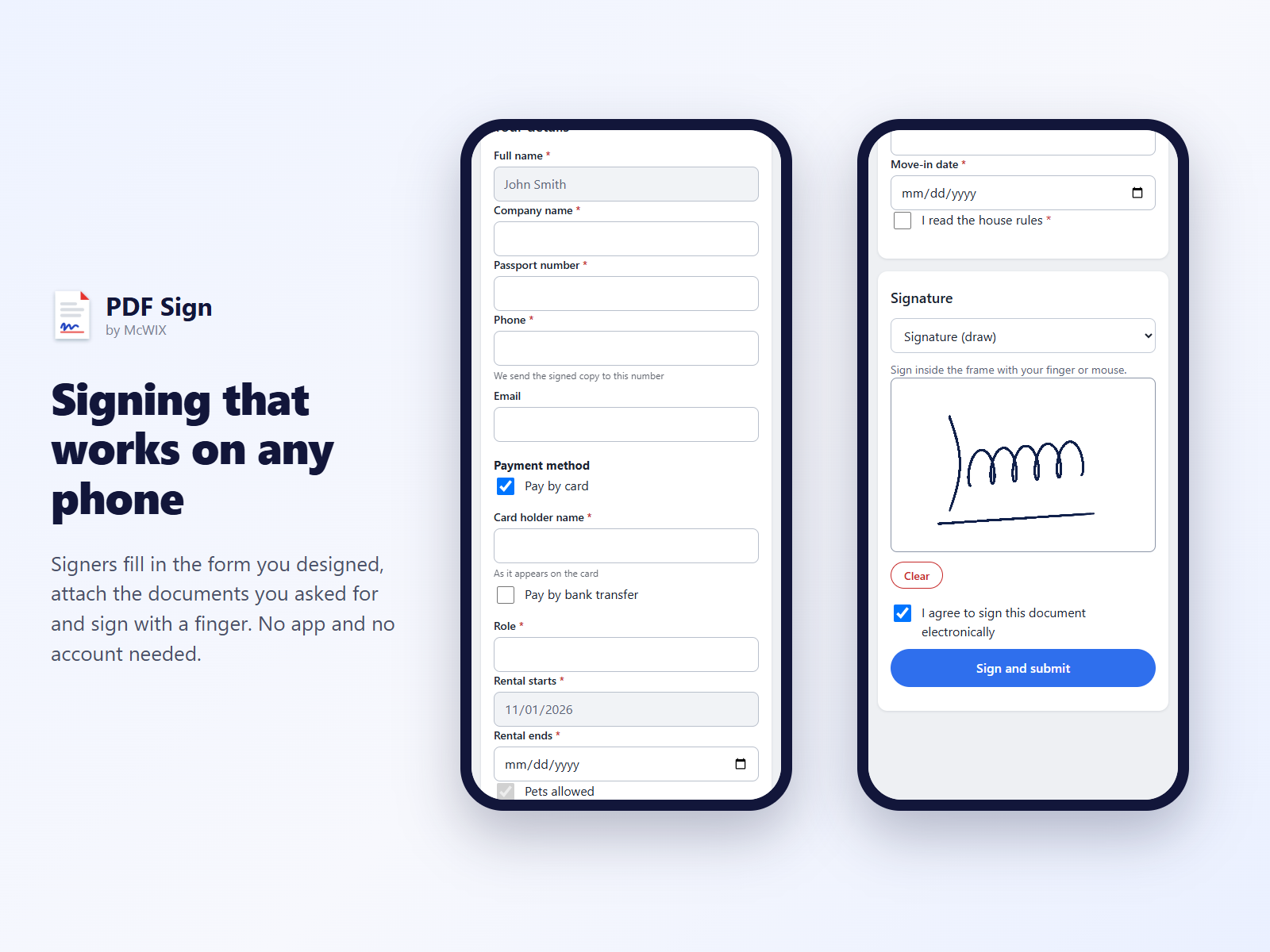
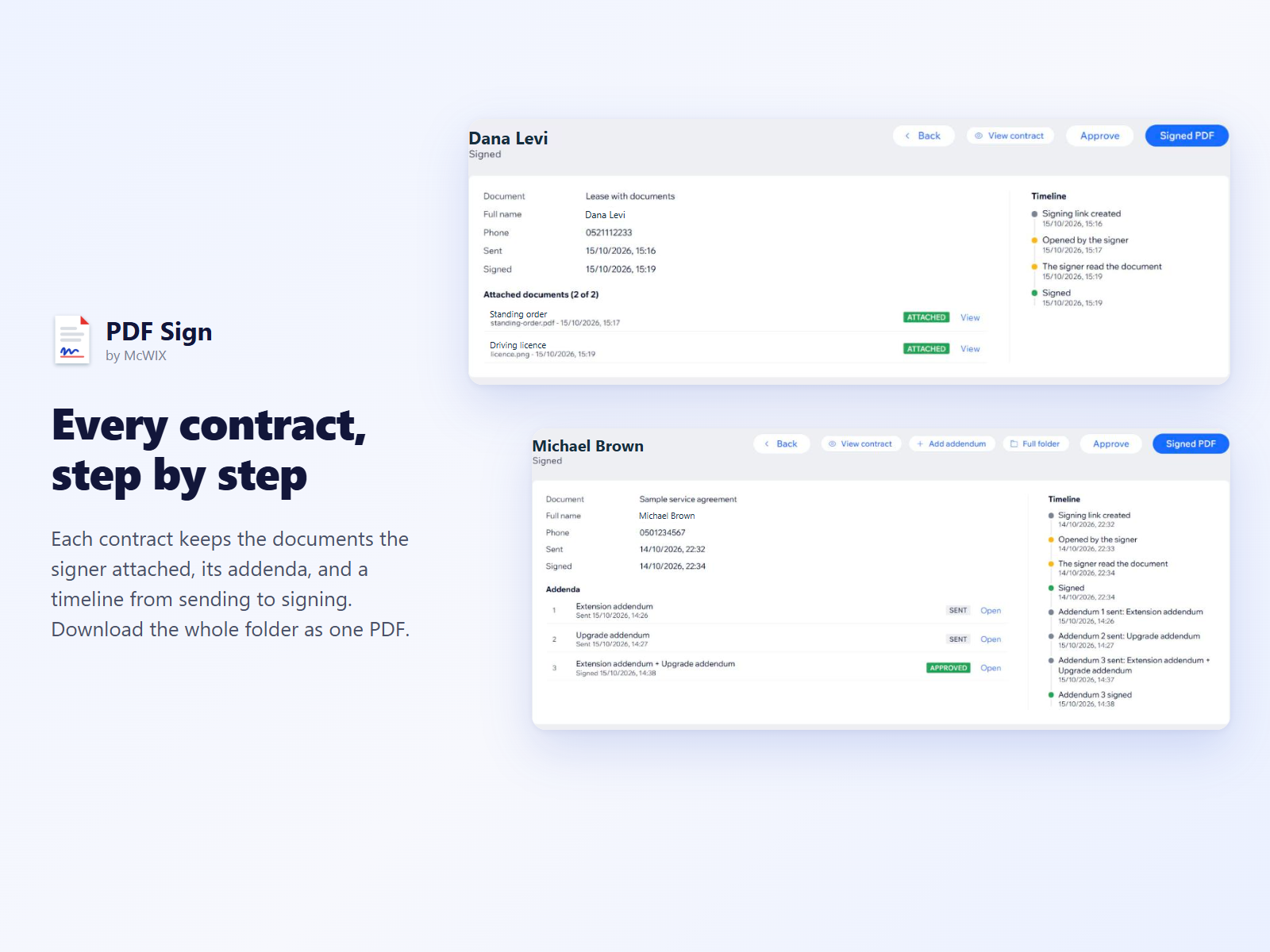
- Signer forms, attached documents and addenda
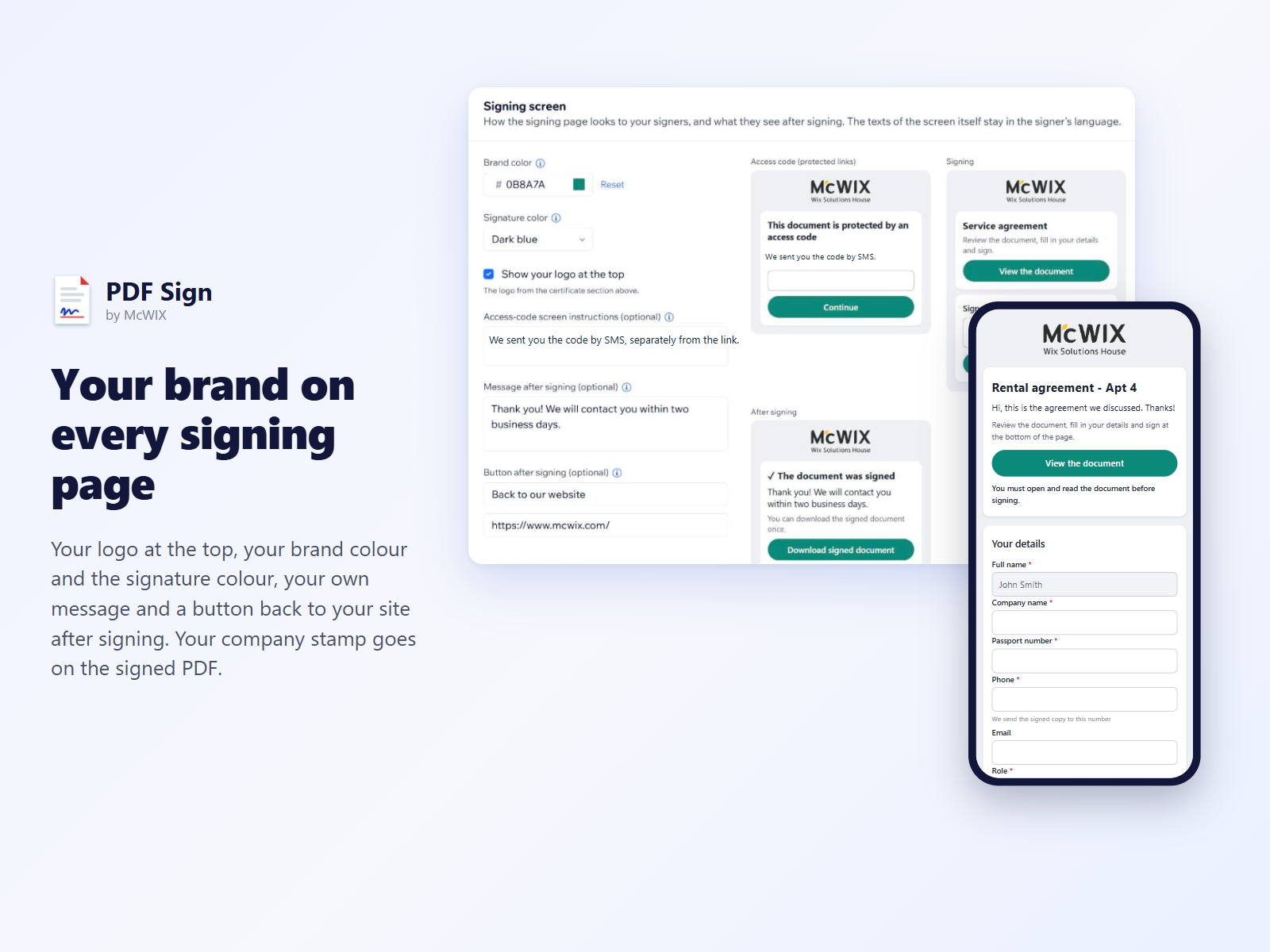
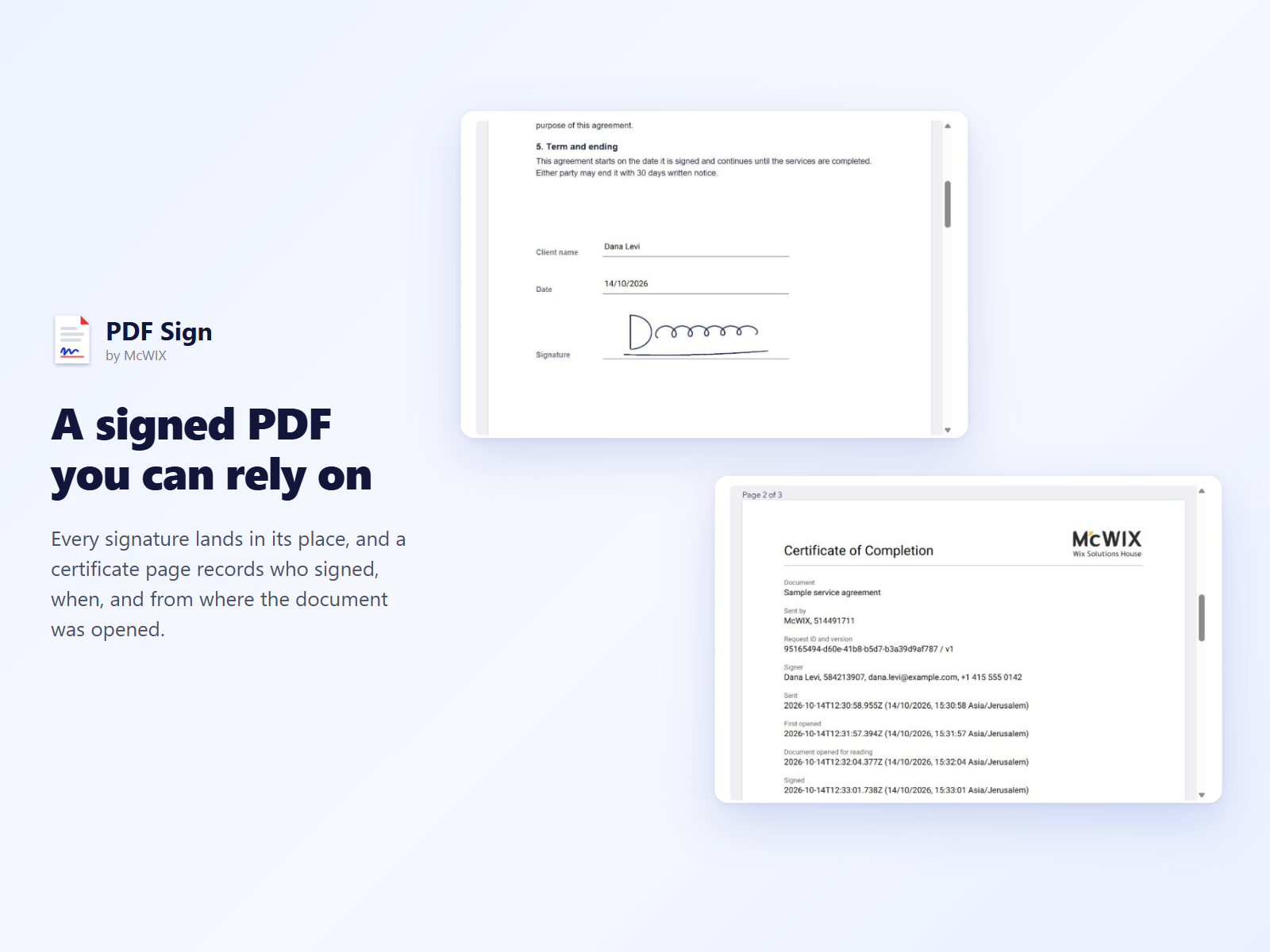
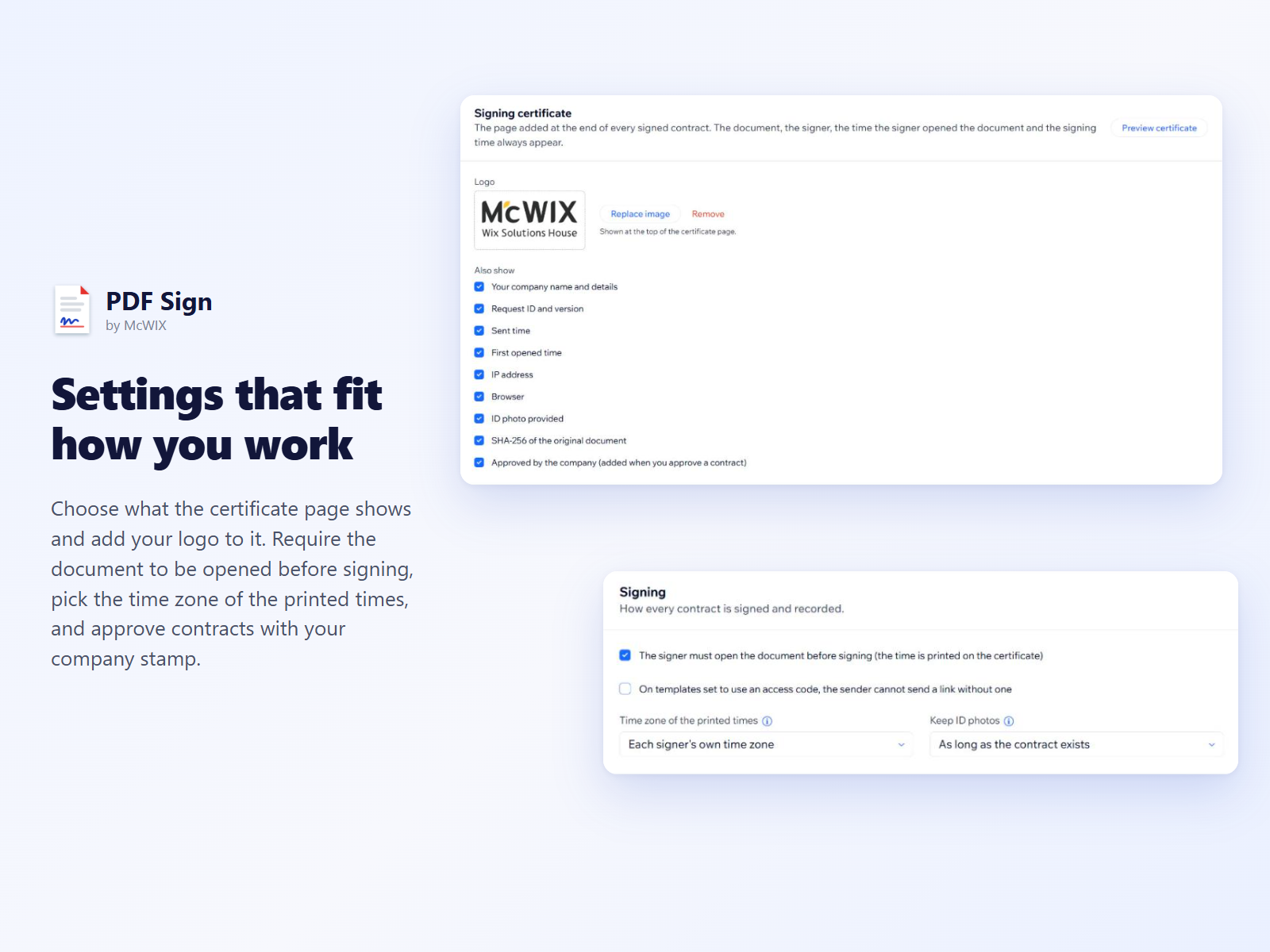
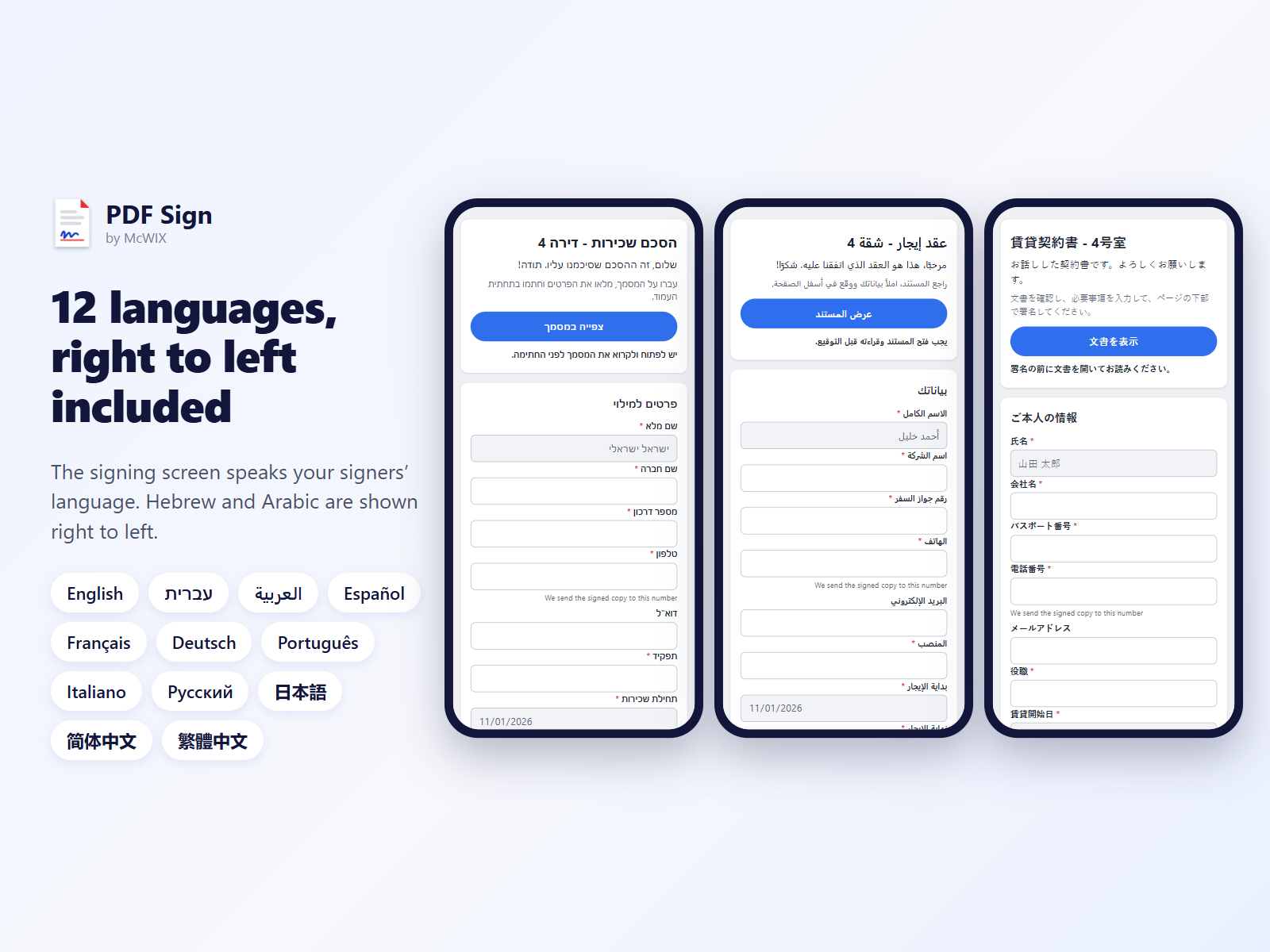
- Signed PDF with a certificate, 12 languages
Note et avis
Cette appli n’a pas encore reçu d’avis, soyez le premier à l'évaluer.Prix et formules
Cette appli propose un essai gratuit de 14 joursFormule Full Access
$
20
00
/mois
Unlimited signing links
Unlimited templates and signers
Attached documents and addenda
Signed PDF with certificate
* Le prix est en USD.