

Boutique en ligne
Réservations
Événements
Éphémère

Auto Order Tagger
Par
Tag orders automatically when they are approved
Aucun avis pour le moment
Offre non payante disponible

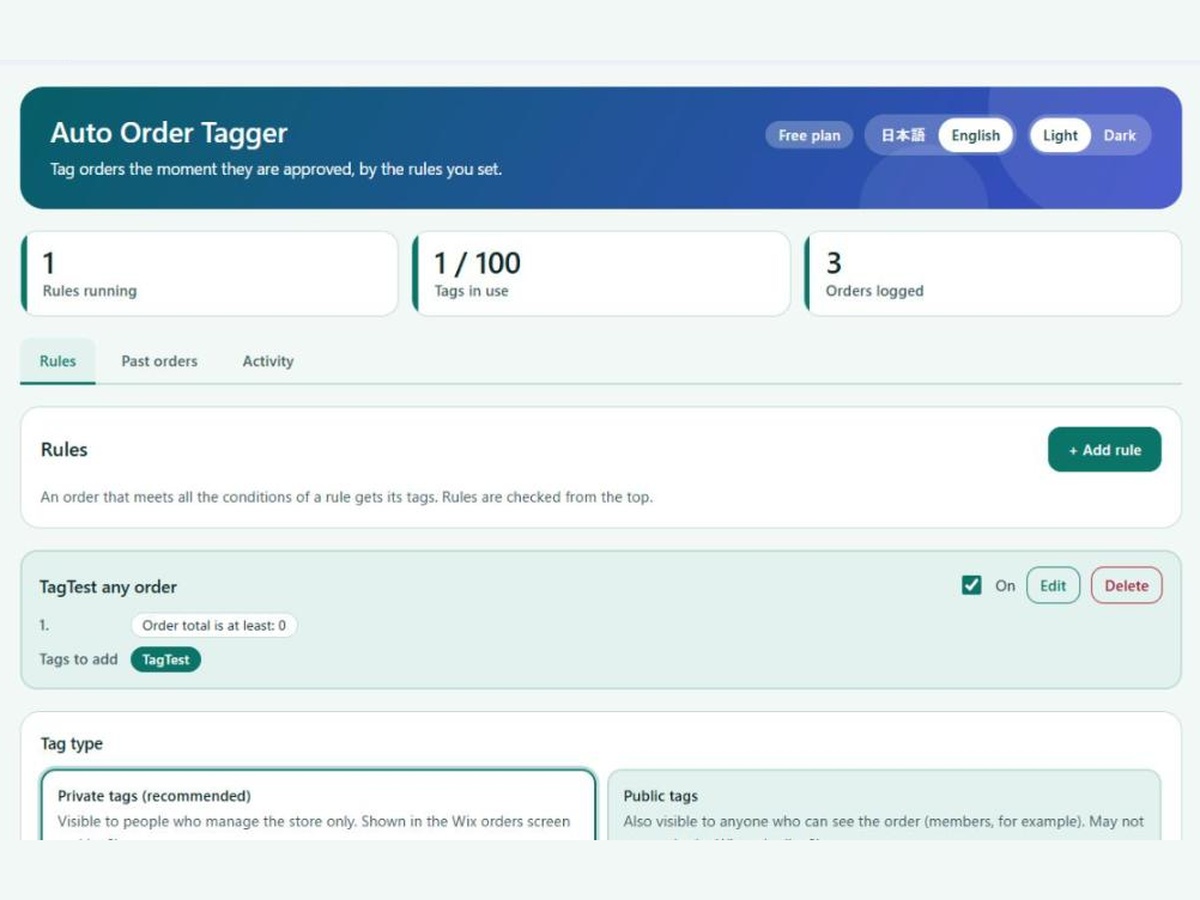
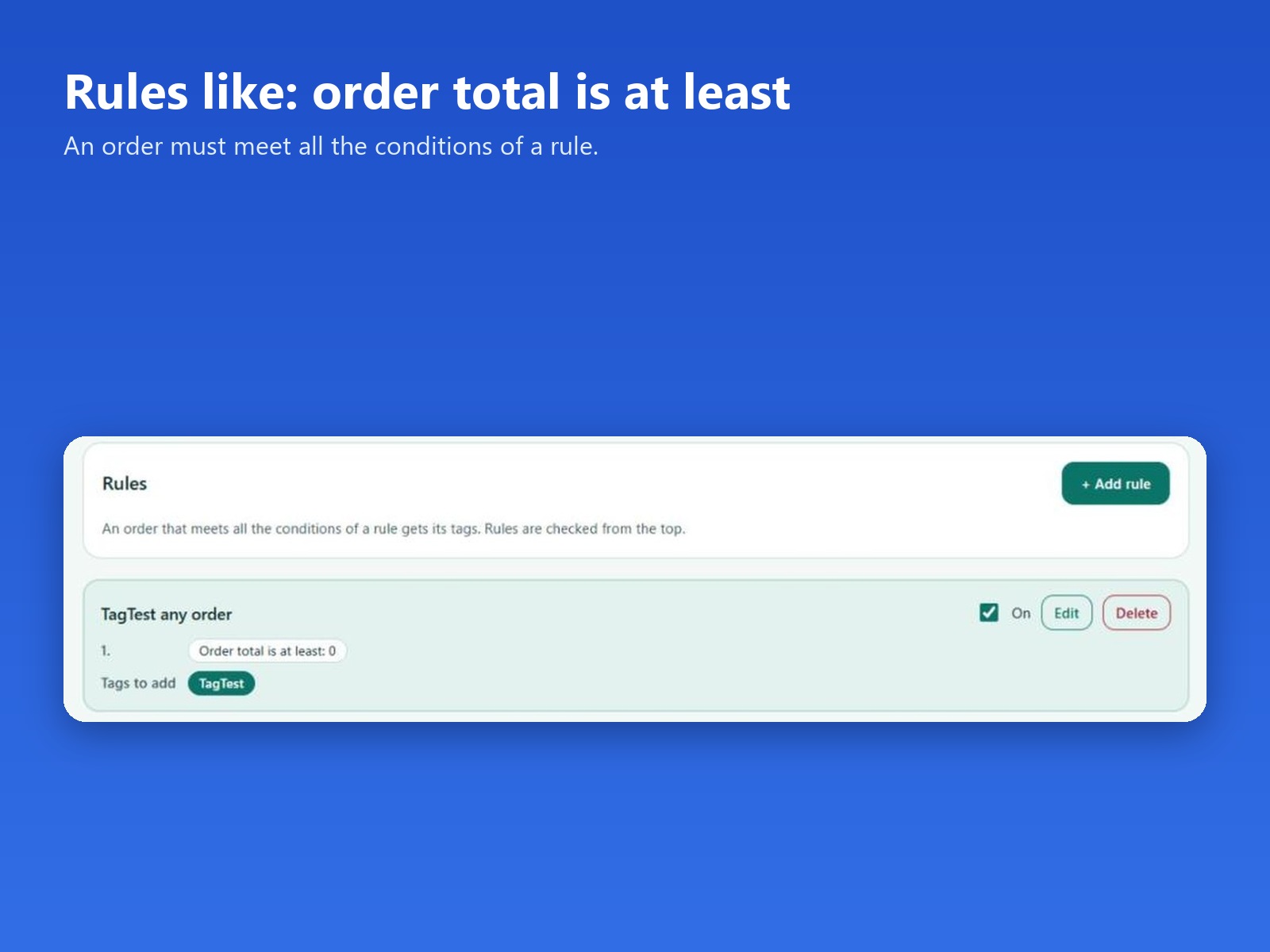
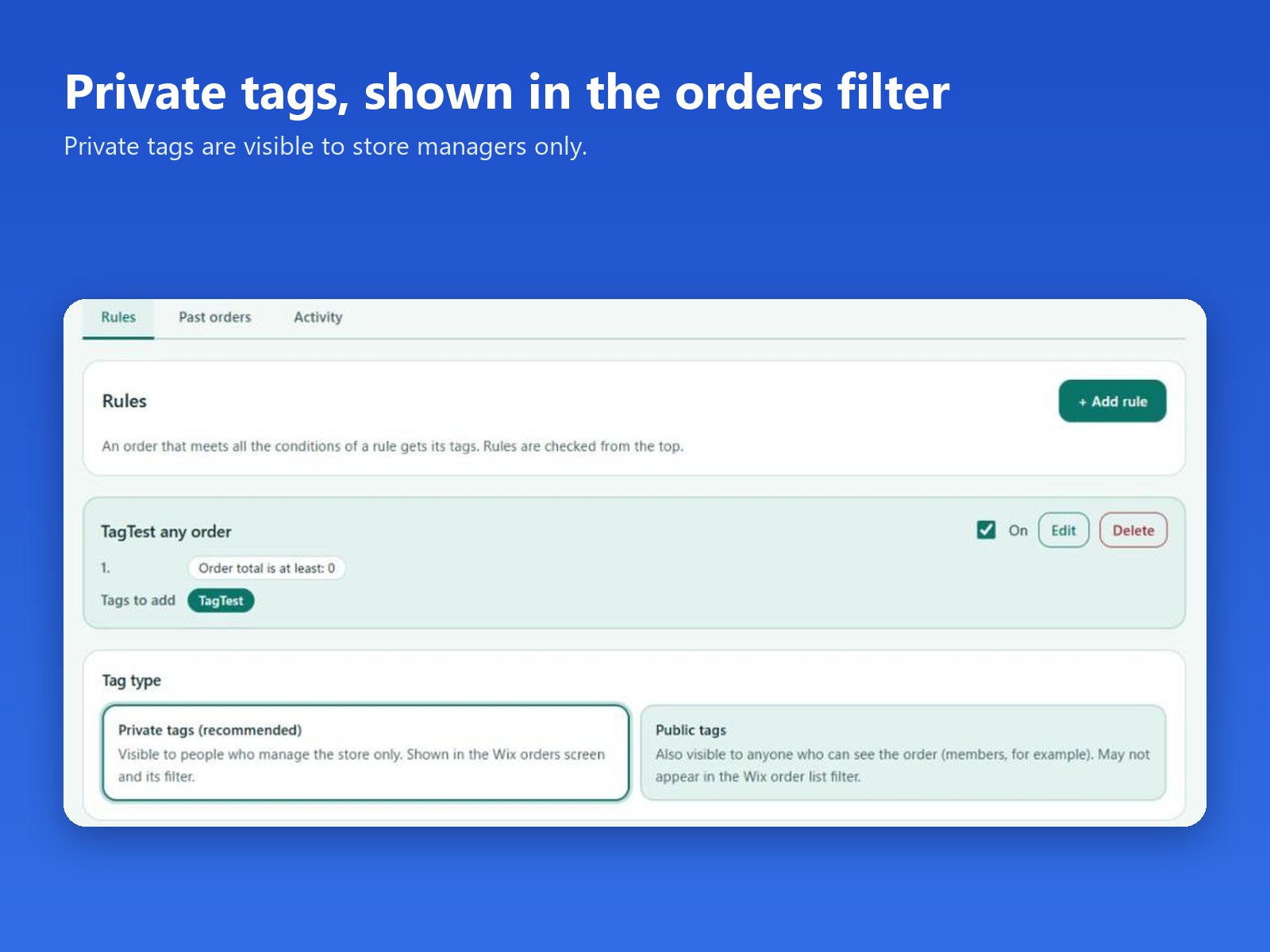
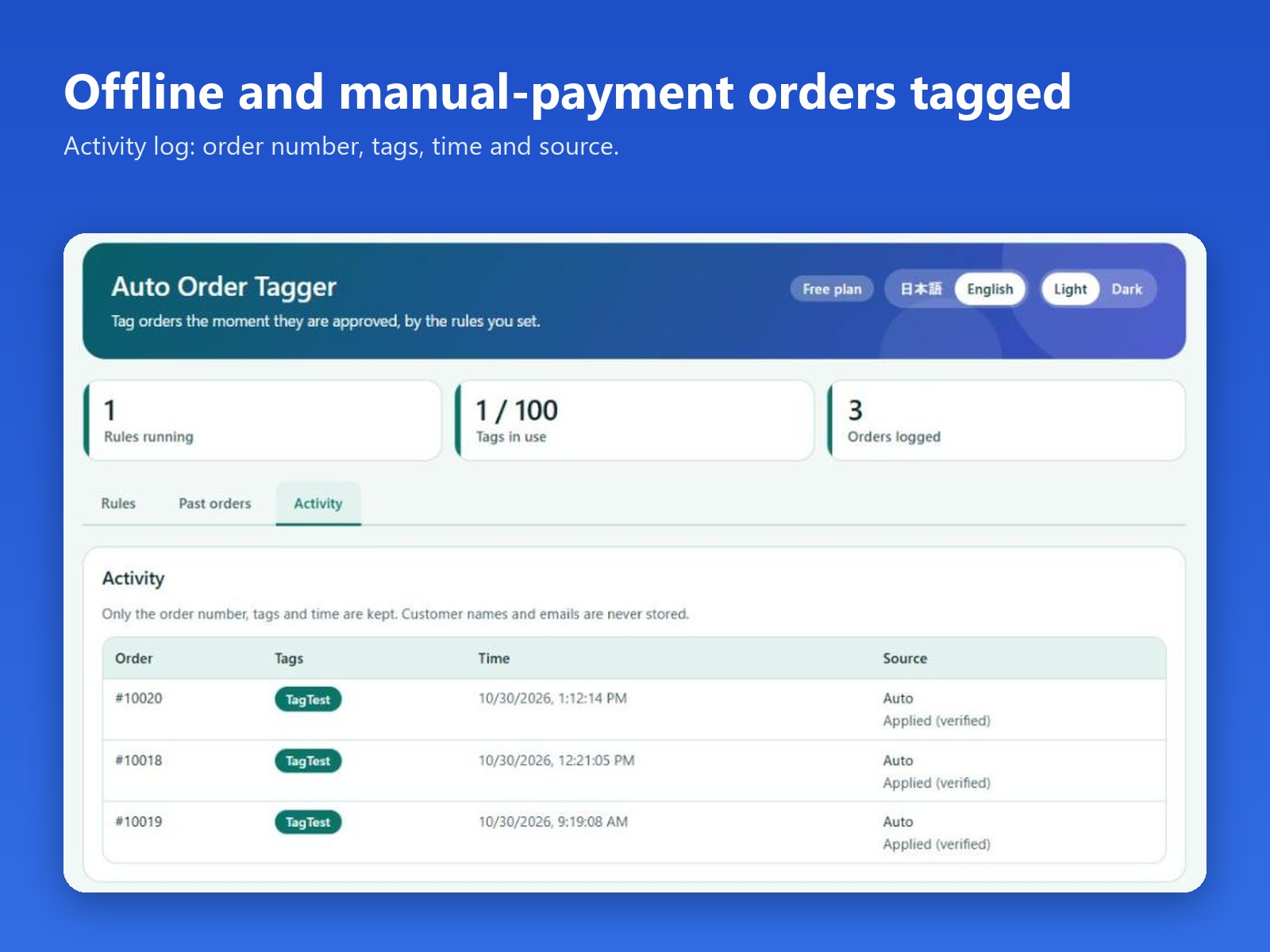
Aperçu de Auto Order Tagger
- Tag orders when the total is at least an amount you set
- Tags are added when an order is approved
- Private tags by default, shown in the order list filter
- Free plan: 2 rules. Pro: up to 100 rules, plus past orders
Note et avis
Cette appli n’a pas encore reçu d’avis, soyez le premier à l'évaluer.Prix et formules
Formule Basic
Gratuit
Up to 2 tagging rules
Auto-tags new approved orders
Activity log of tagged orders
Formule Pro
$
3
99
/mois
Up to 100 tagging rules
Tag past orders in bulk
Everything in the free plan
* Le prix est en USD.