

Boutique en ligne
Réservations
Événements
Éphémère

Form to CRM Sync
Par
Send form submissions to HubSpot as contacts
Aucun avis pour le moment
Offre non payante disponible

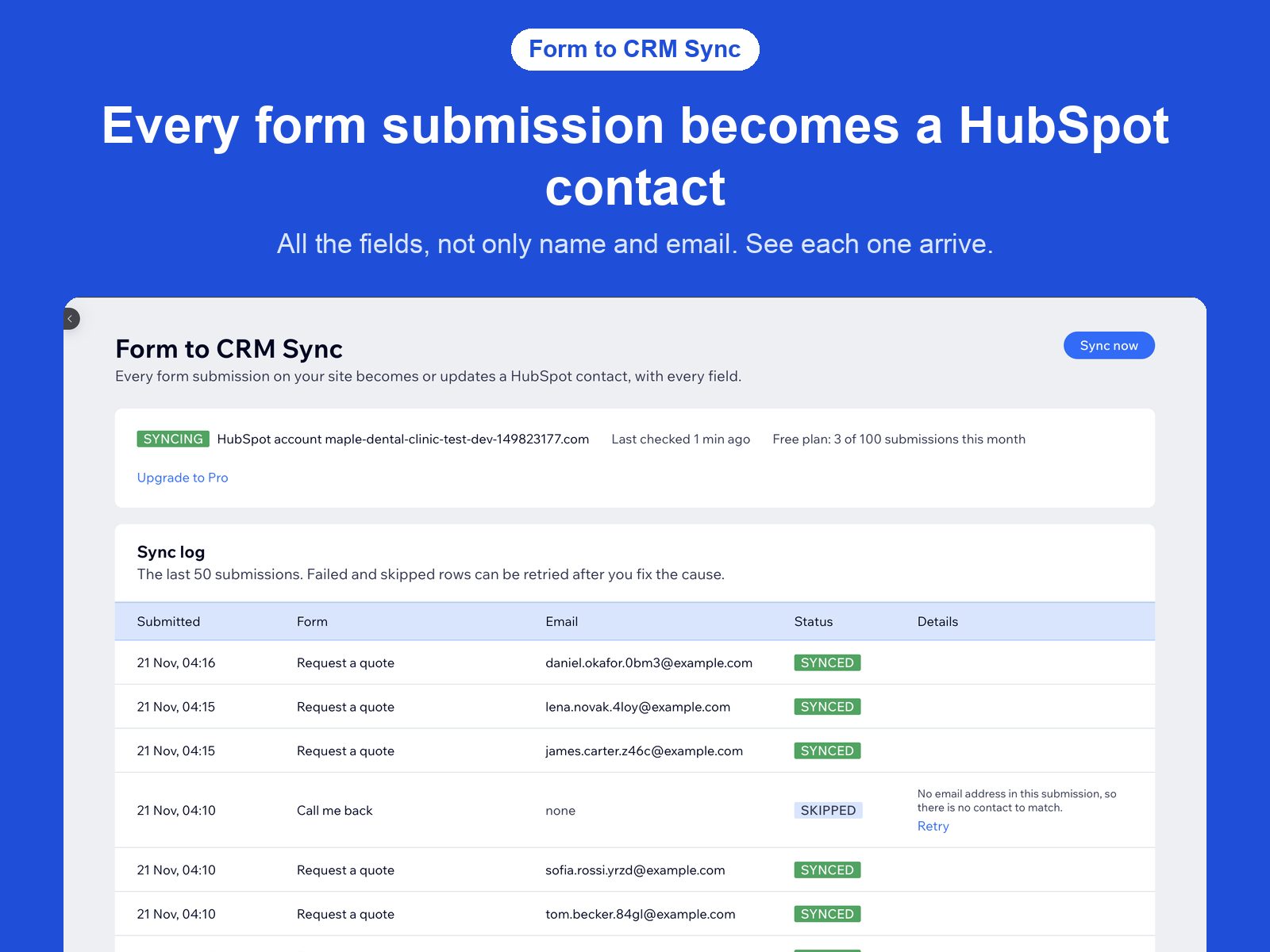
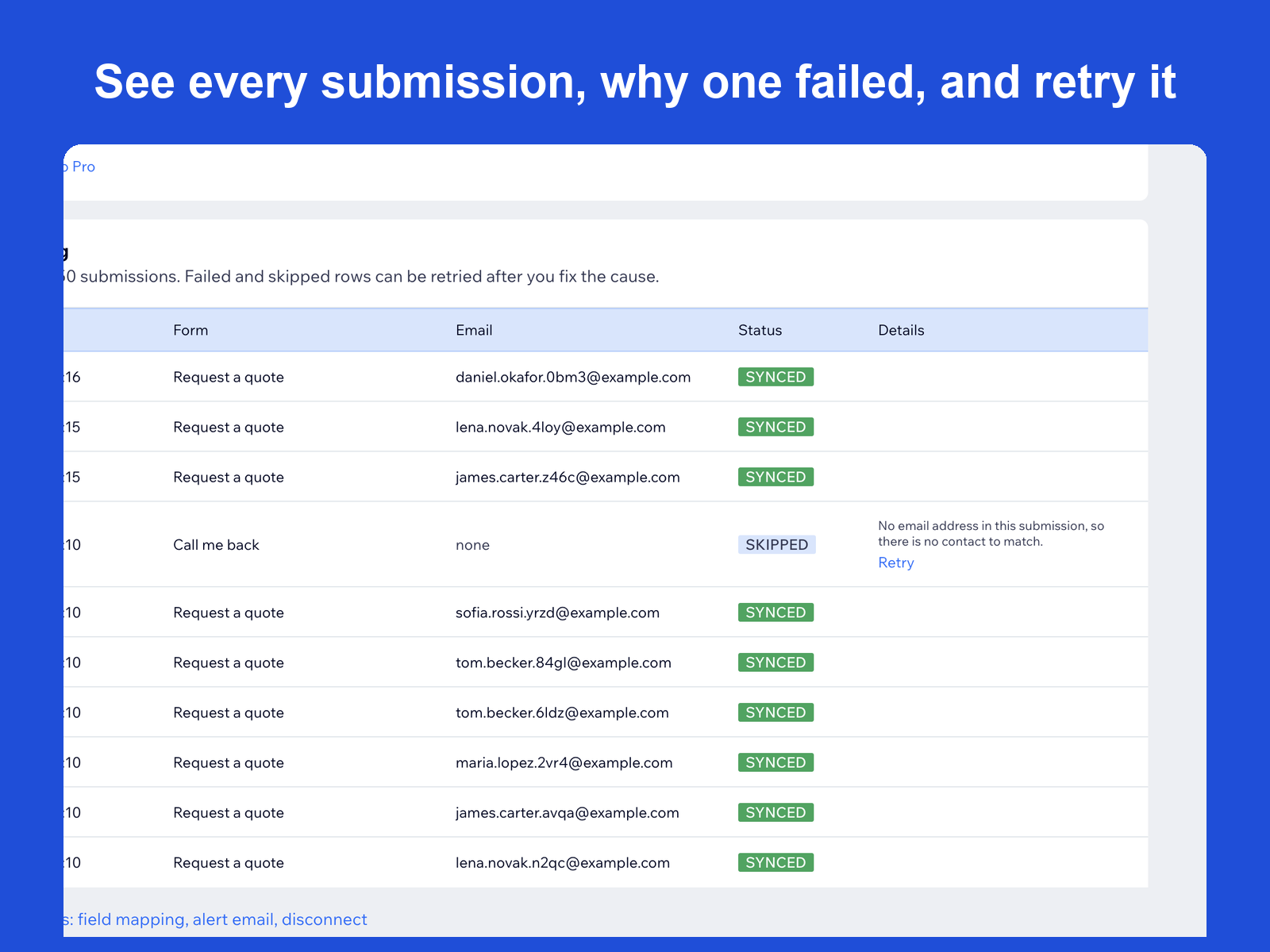
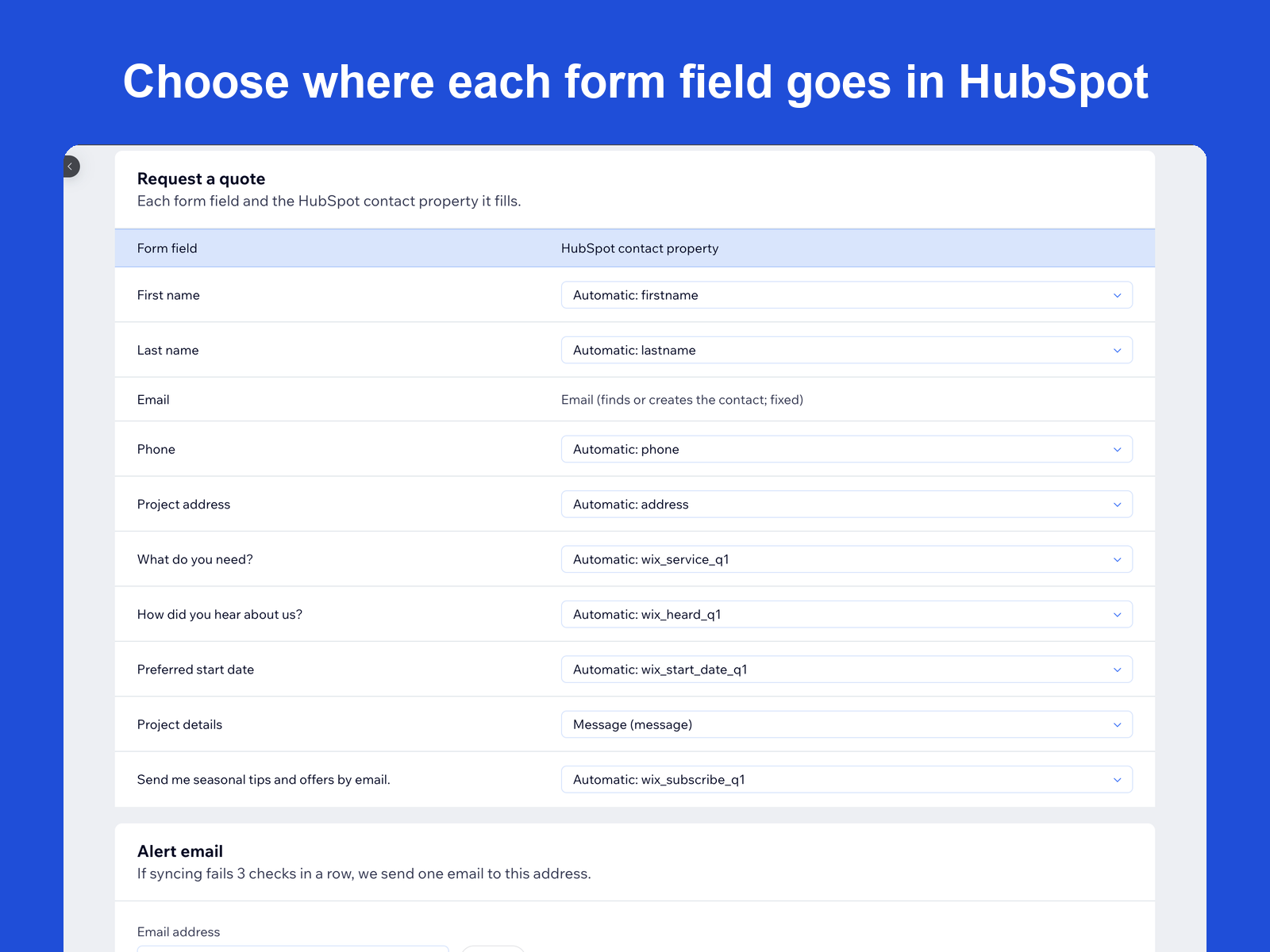
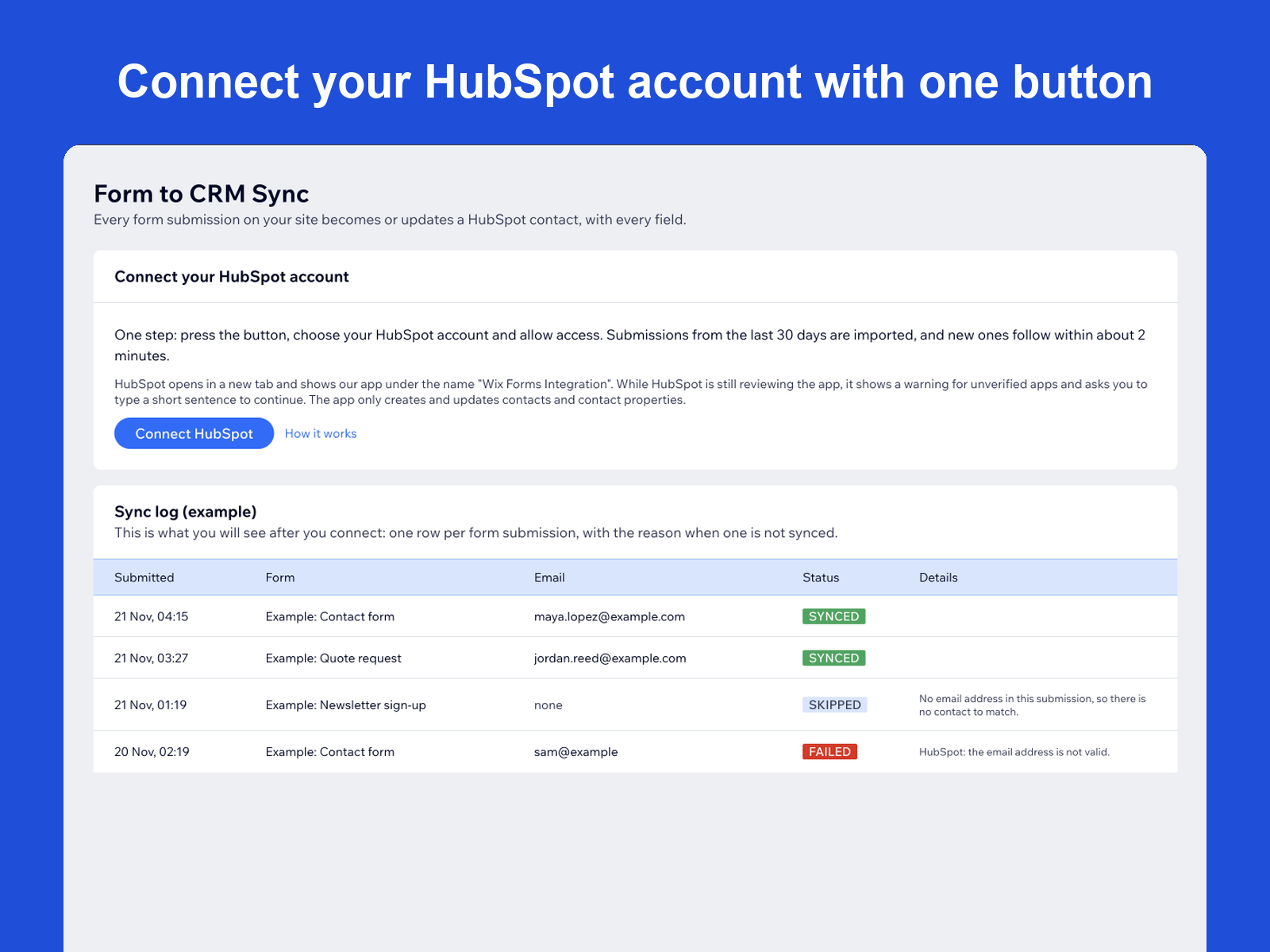
Aperçu de Form to CRM Sync
- Every form field goes to HubSpot
- Creates or updates contacts by email
- Sync log with a reason and Retry
- Change the field mapping per form
Note et avis
Cette appli n’a pas encore reçu d’avis, soyez le premier à l'évaluer.Prix et formules
Formule Free
Gratuit
Sync 100 form submissions a month
Send every form field to HubSpot
See each submission in the sync log
Change the field mapping per form
Formule Pro
$
12
00
/mois
Sync unlimited form submissions
Send every form field to HubSpot
See each submission in the sync log
Change the field mapping per form
* Le prix est en USD.