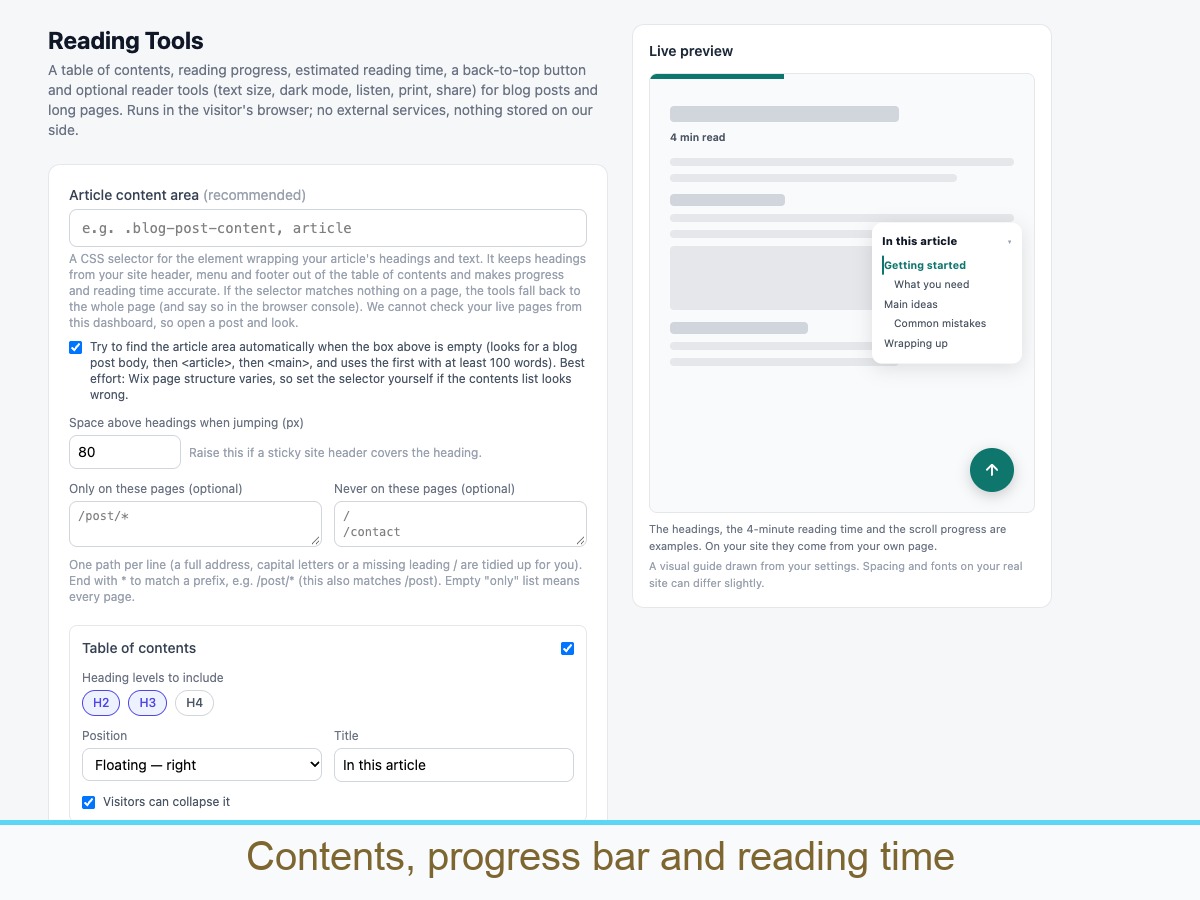
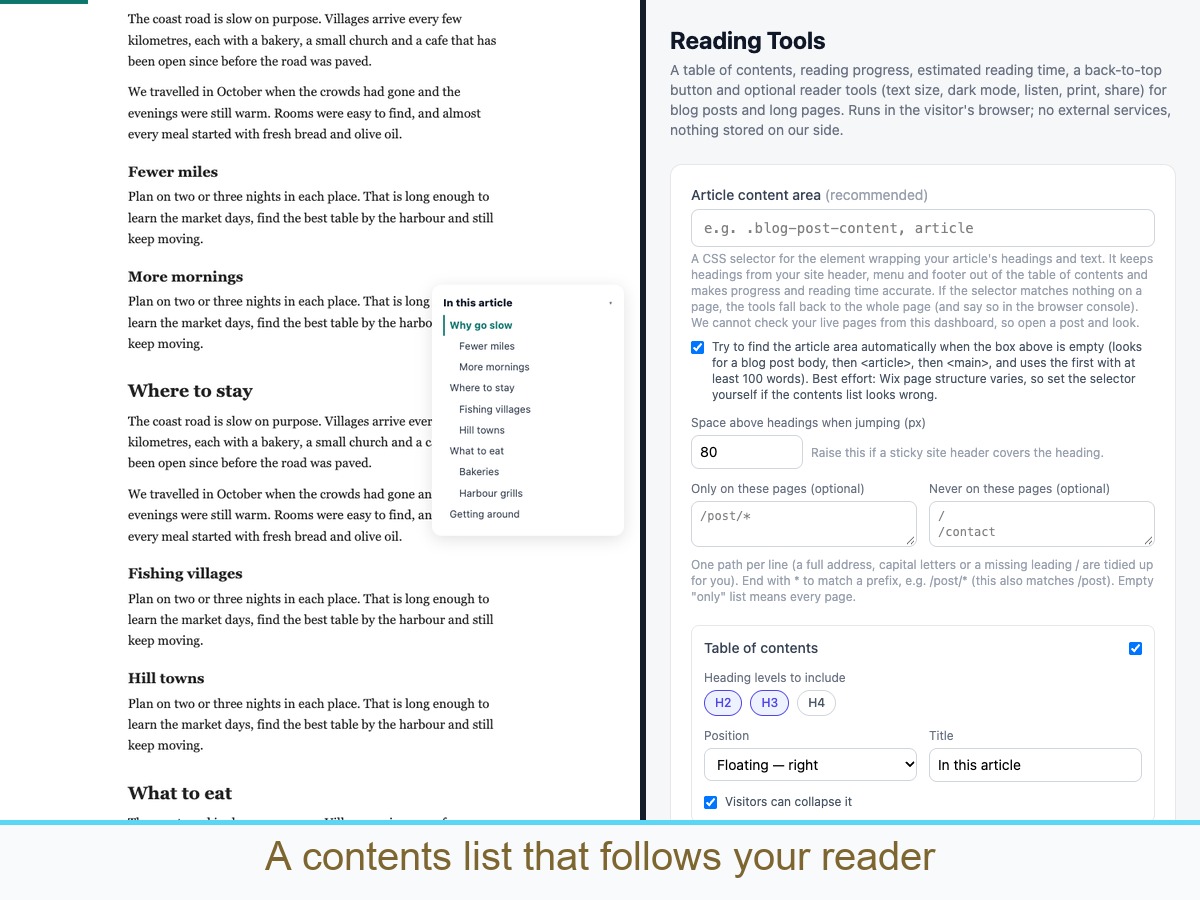
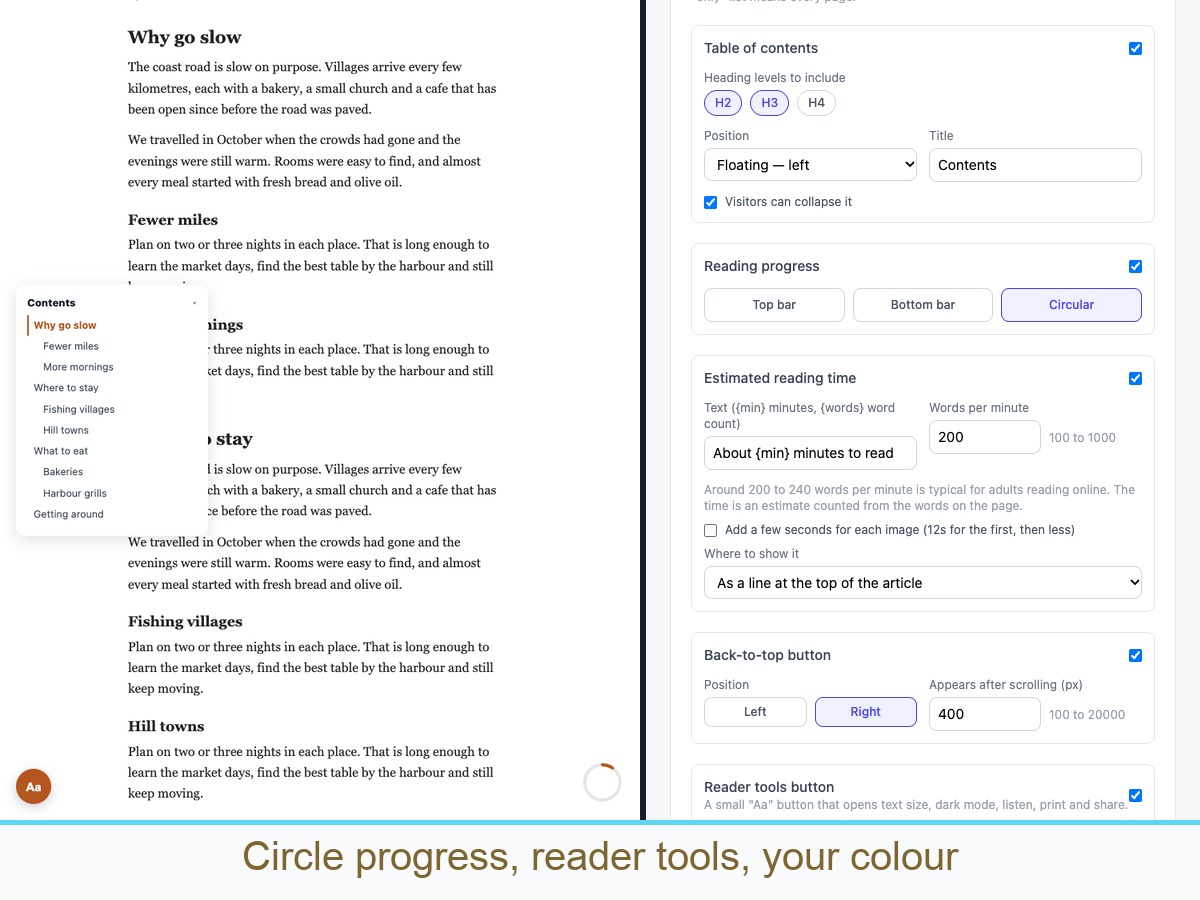
Reading Tools gives blog posts and long pages the reading aids visitors expect, in one app. A table of contents is built from the headings on the page each time it loads, so it stays correct after you edit. Visitors can jump to a section and see which one they are in. Choose a progress bar (top or bottom) or a circular indicator. Show an estimated reading time counted from the real word count, with your own words-per-minute and an optional allowance for images. Add a back-to-top button. Optionally turn on a reader tools button with text size, dark reading mode, print, share and listen. Listen uses the visitor's own browser voice, so quality varies by device. Pick the article area with a CSS selector or let the app try to find it. Show the tools only on the pages you choose. Built with keyboard and screen reader use in mind, respects reduced motion, and has a collapsed contents box on phones. Everything runs in the visitor's browser. It reads headings the page actually renders, so check one real post after you turn it on.
Disponibilité :
Cette application est disponible dans le monde entier.
Langues de l'application :
Anglais
Vous pouvez traduire tout le contenu affiché sur votre site dans la langue de votre choix.