

Boutique en ligne
Réservations
Événements
Éphémère

Address Autofill Control
Par
Fix or switch off wrong address autofill
5.0
Offre non payante disponible

Aperçu de Address Autofill Control
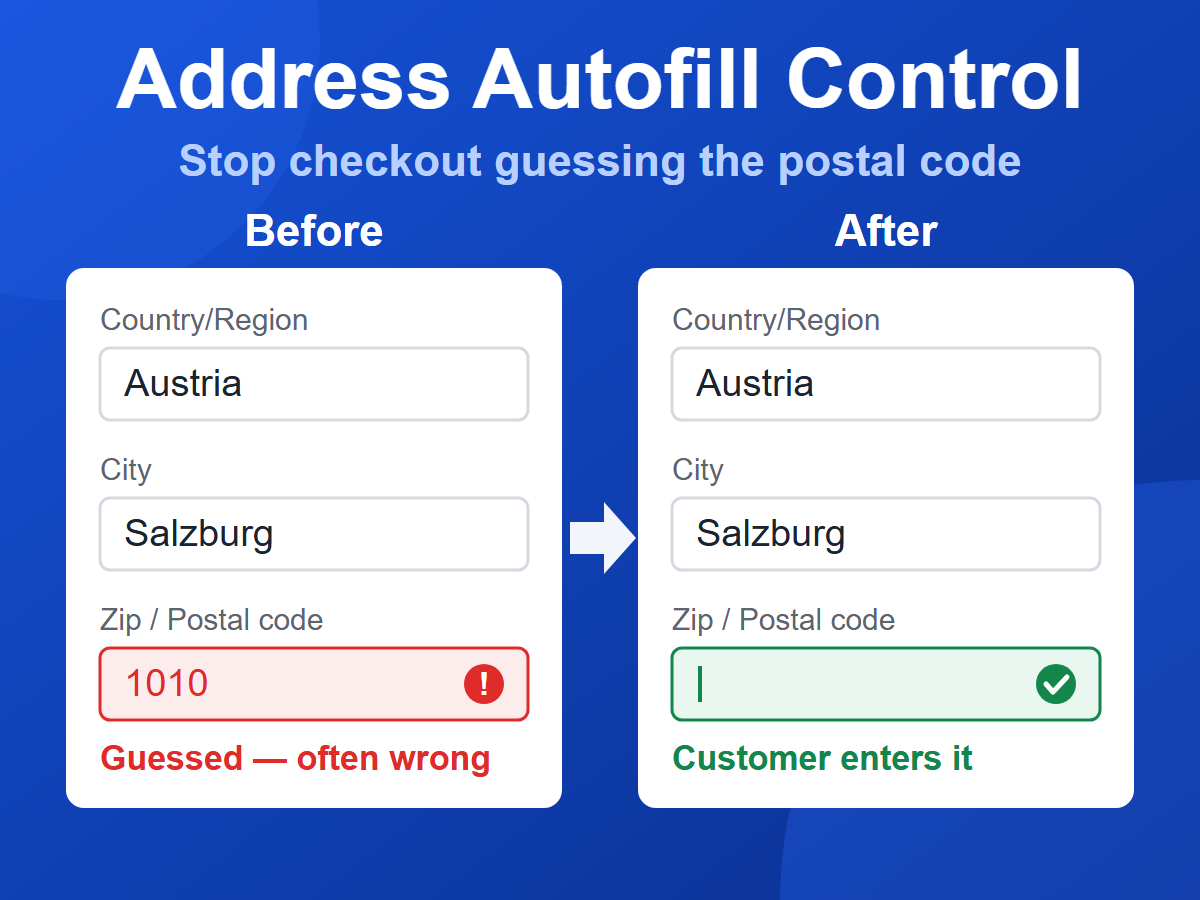
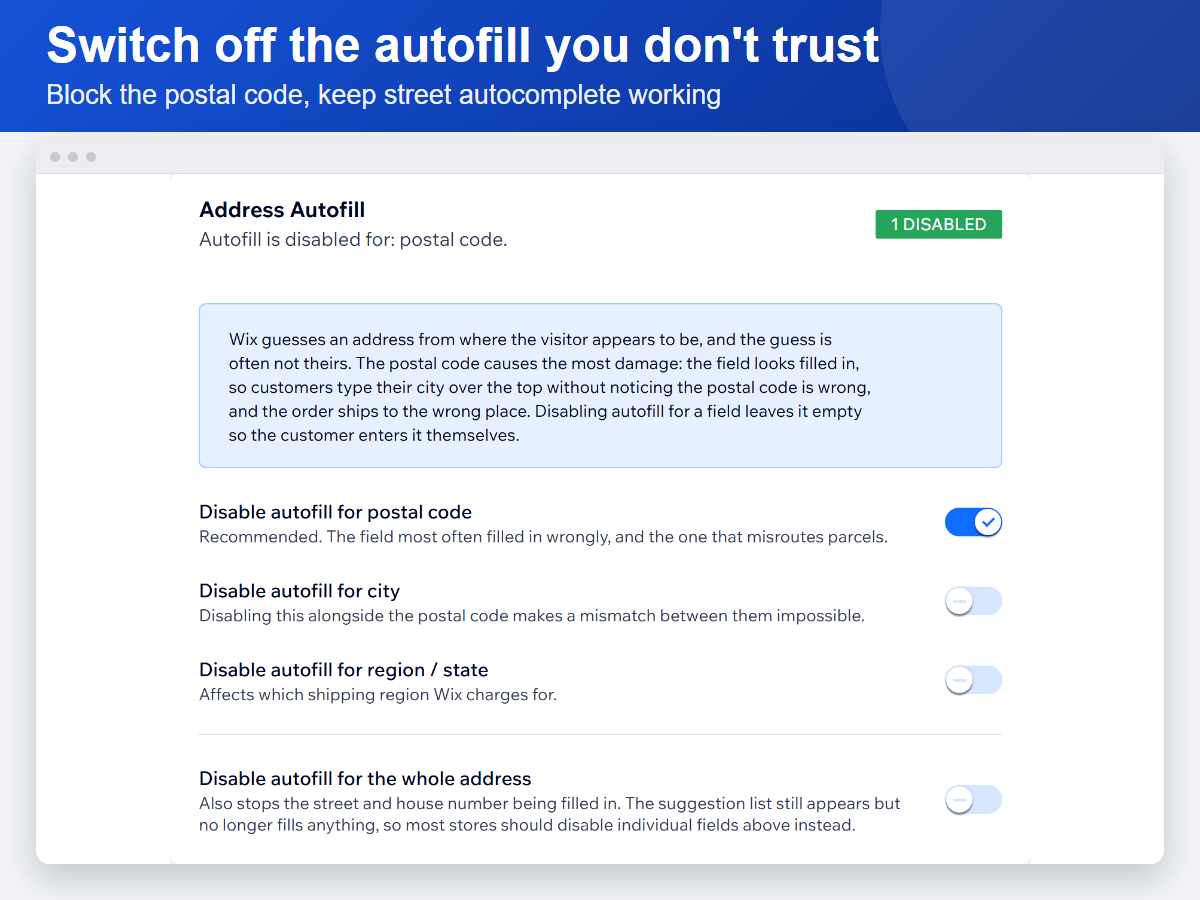
- Switch off address autofill per field — postal code, city or region
- Keep street autocomplete working while blocking only the fields that get it wrong
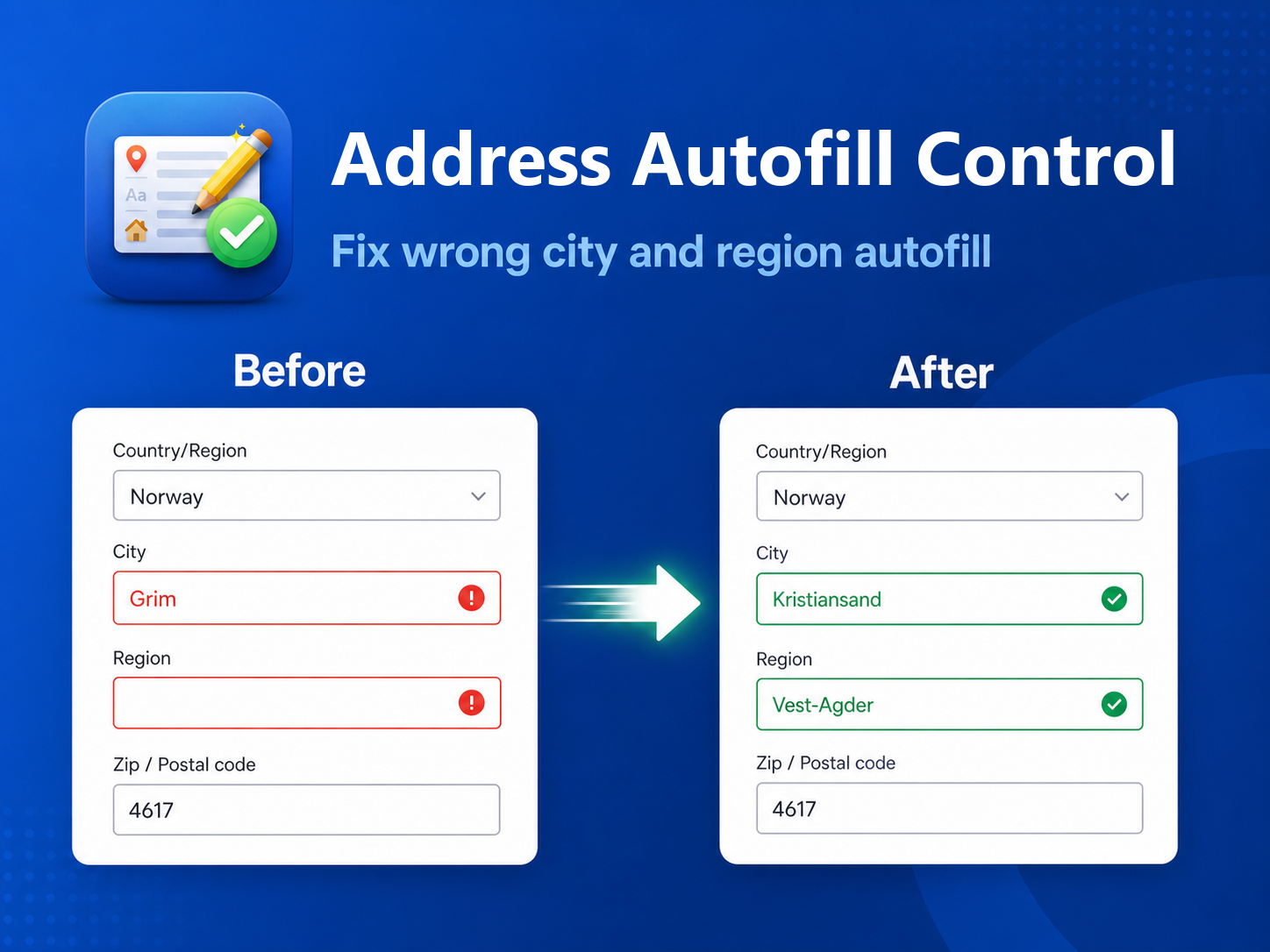
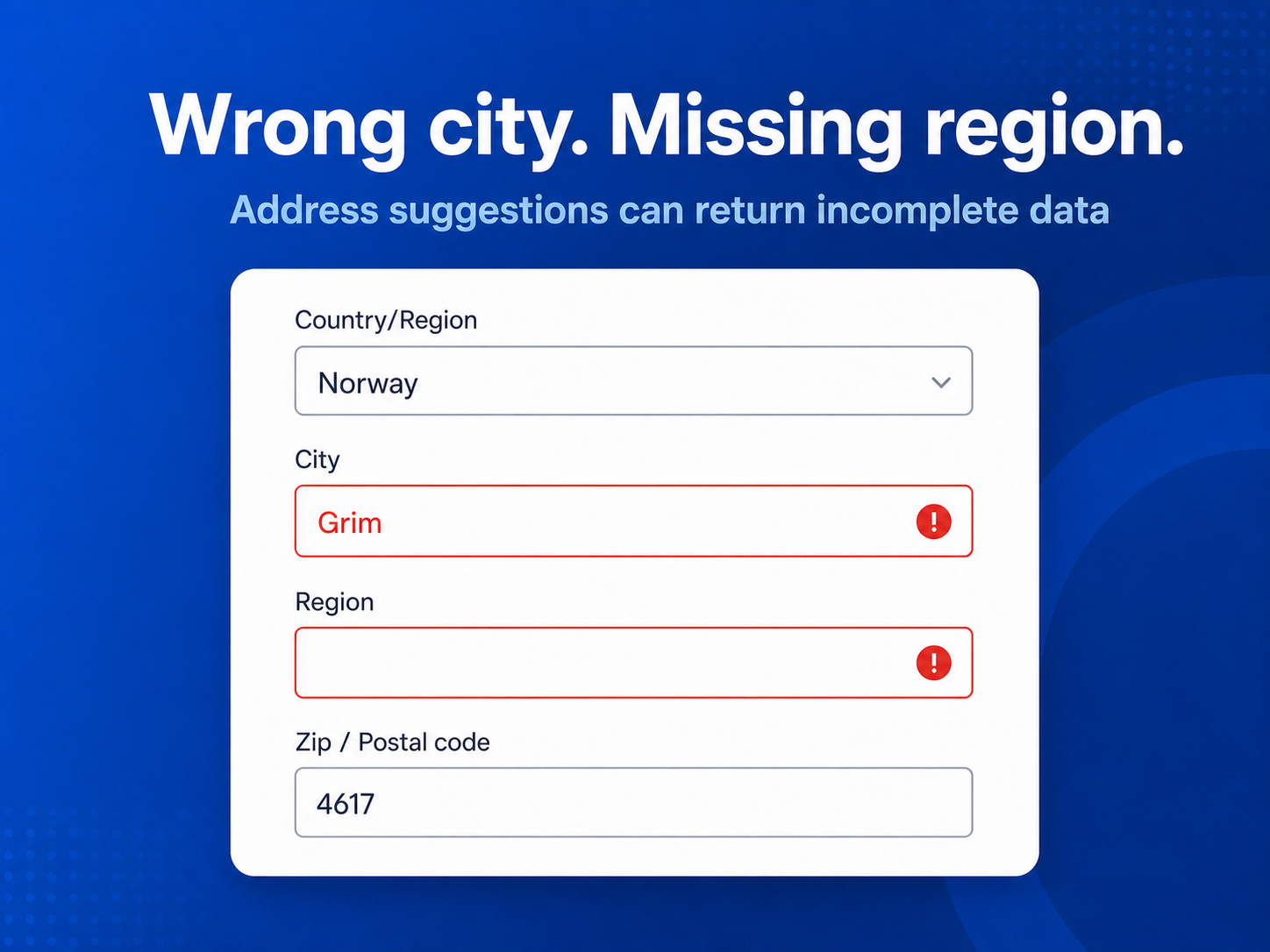
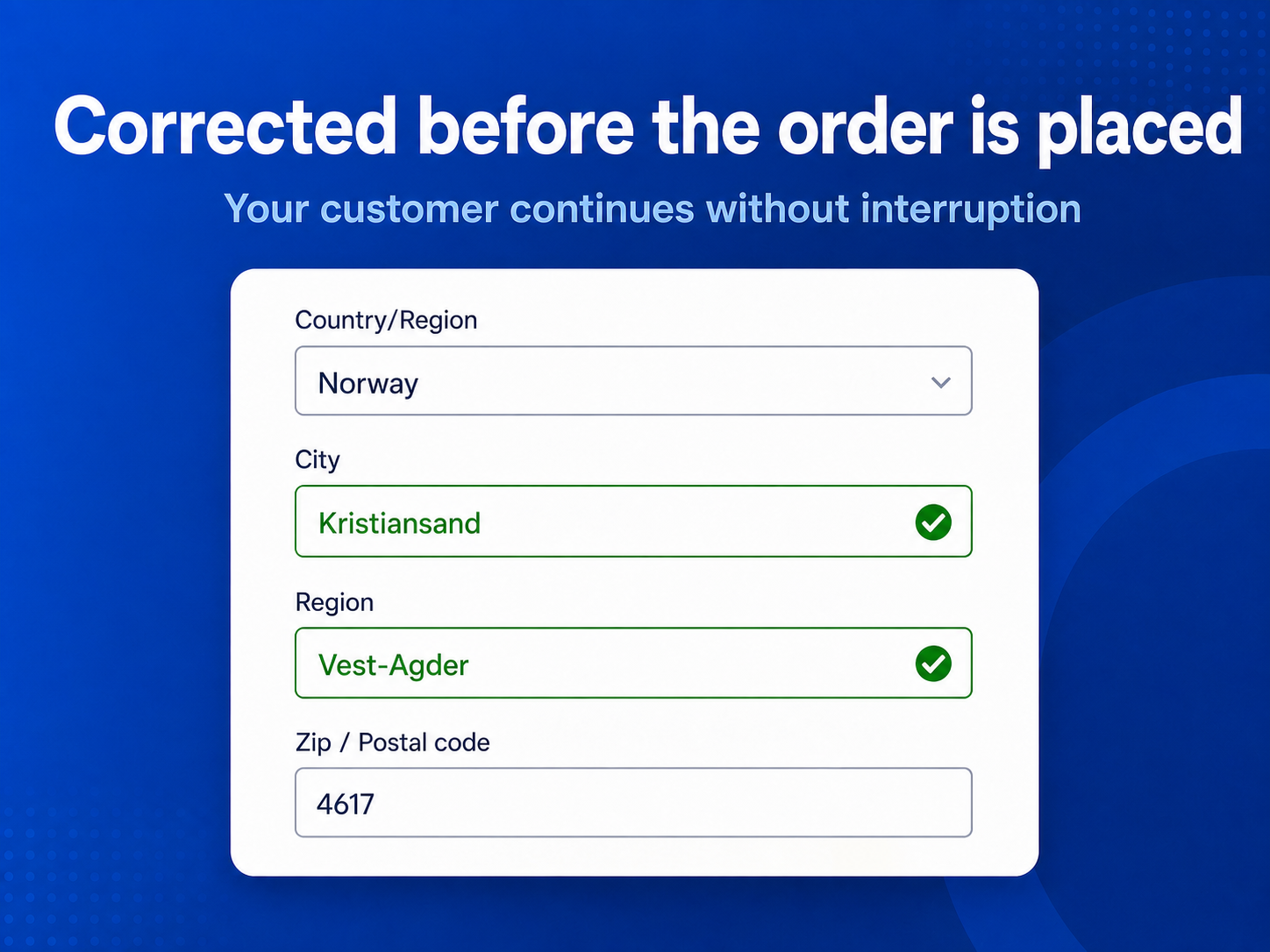
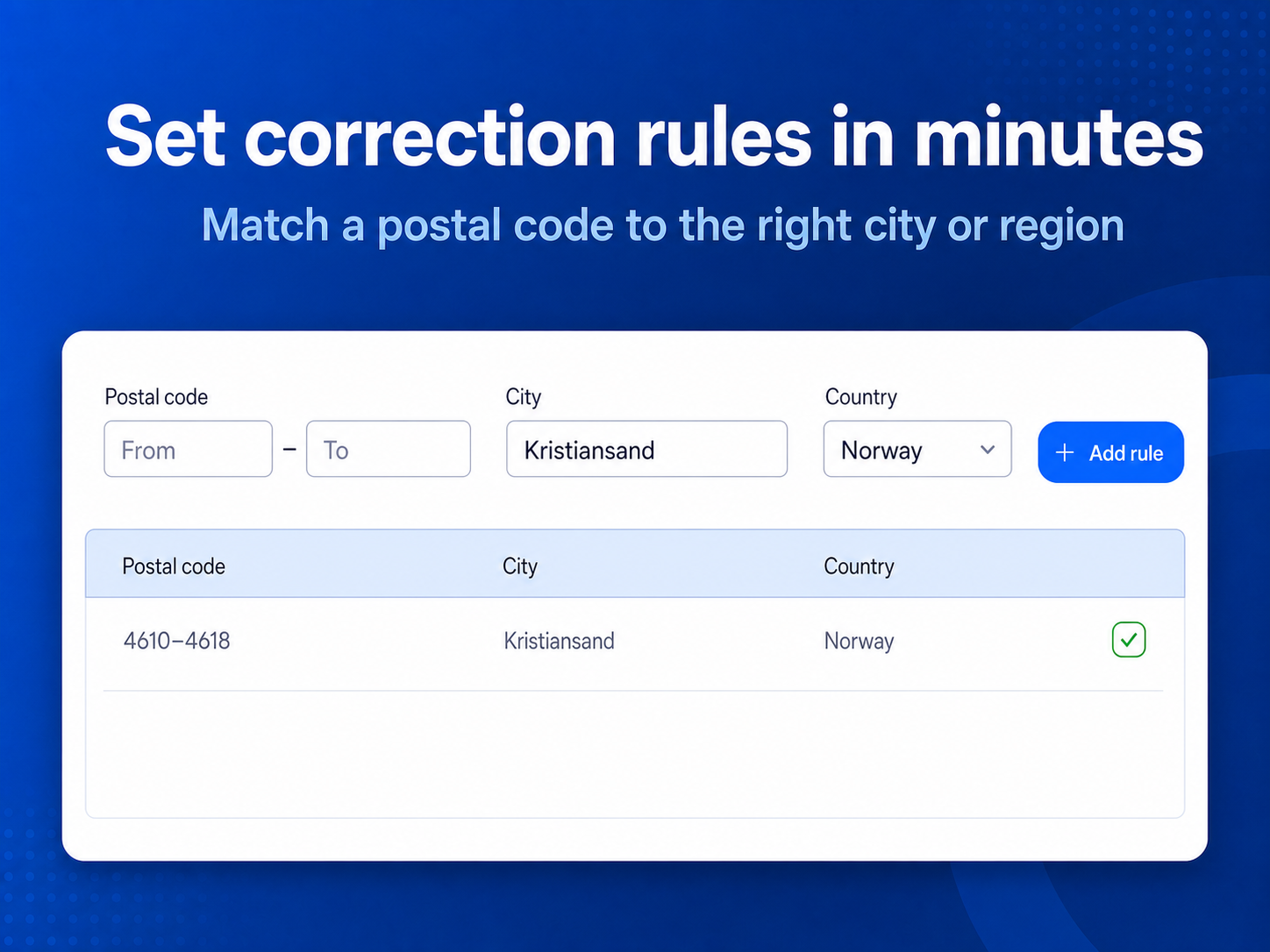
- Correct wrong city or region automatically with postal code rules
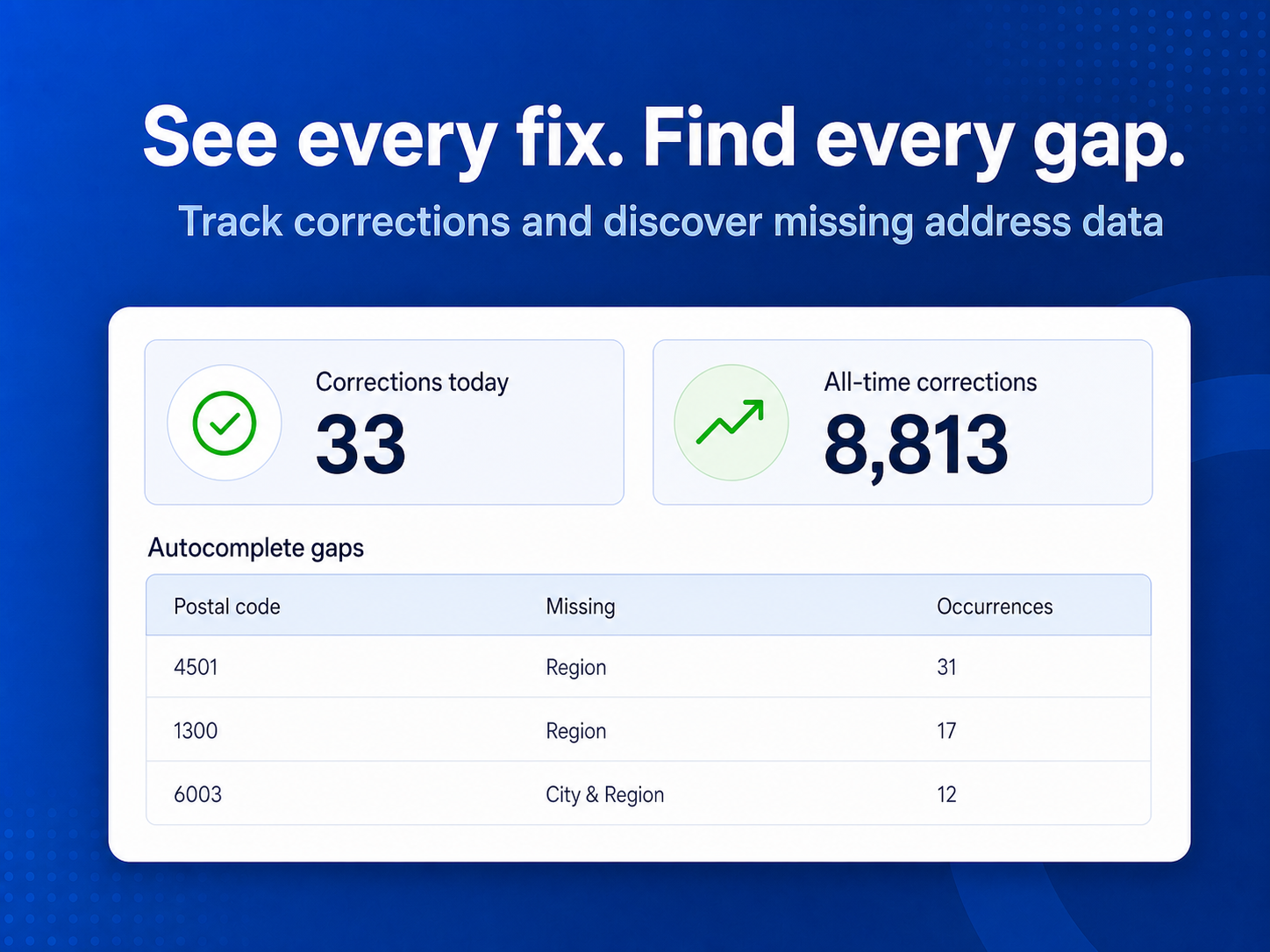
- See which postal codes actually cause trouble, ranked by how often
Disponibilité :
Cette application est disponible dans le monde entier.Langues de l'application :
Anglais
Note moyenne 5.0
2 avis
5
2
4
0
3
0
2
0
1
0
Trier par :
RE
Reviewsapp007/ Sep 9, 2026
Easy Address ManagementSolved a problem we kept running into with customer addresses. Easy to set up and use, and saves us from having to deal with address issues manually.
(0)
Merci pour votre avis
YA
Yasirshopify33/ Sep 9, 2026
Easy Address ManagementReally handy app! Makes it easy to fix or override addresses when needed. Simple, straightforward, and does exactly what it should.
(0)
Merci pour votre avis
Prix et formules
Formule Basic
Gratuit
City and state/region corrections
Up to 5 active correction rules
Unlimited checkout corrections
Formule Pro
$
4
00
/mois
City and state/region corrections
Up to 100 active correction rules
Bulk import
Full support
Formule Unlimited
$
9
00
/mois
Switch off address autofill
Unlimited active correction rules
Bulk import
Priority support
* Le prix est en USD.